Doc# E145701 2 - 7
2: Meter Overview and Specifications
Electro Industries/GaugeTech
The Leader In Power Monitoring and Smart Grid Solutions
4. Click the Profile icon.
5. Click the Settings tab.
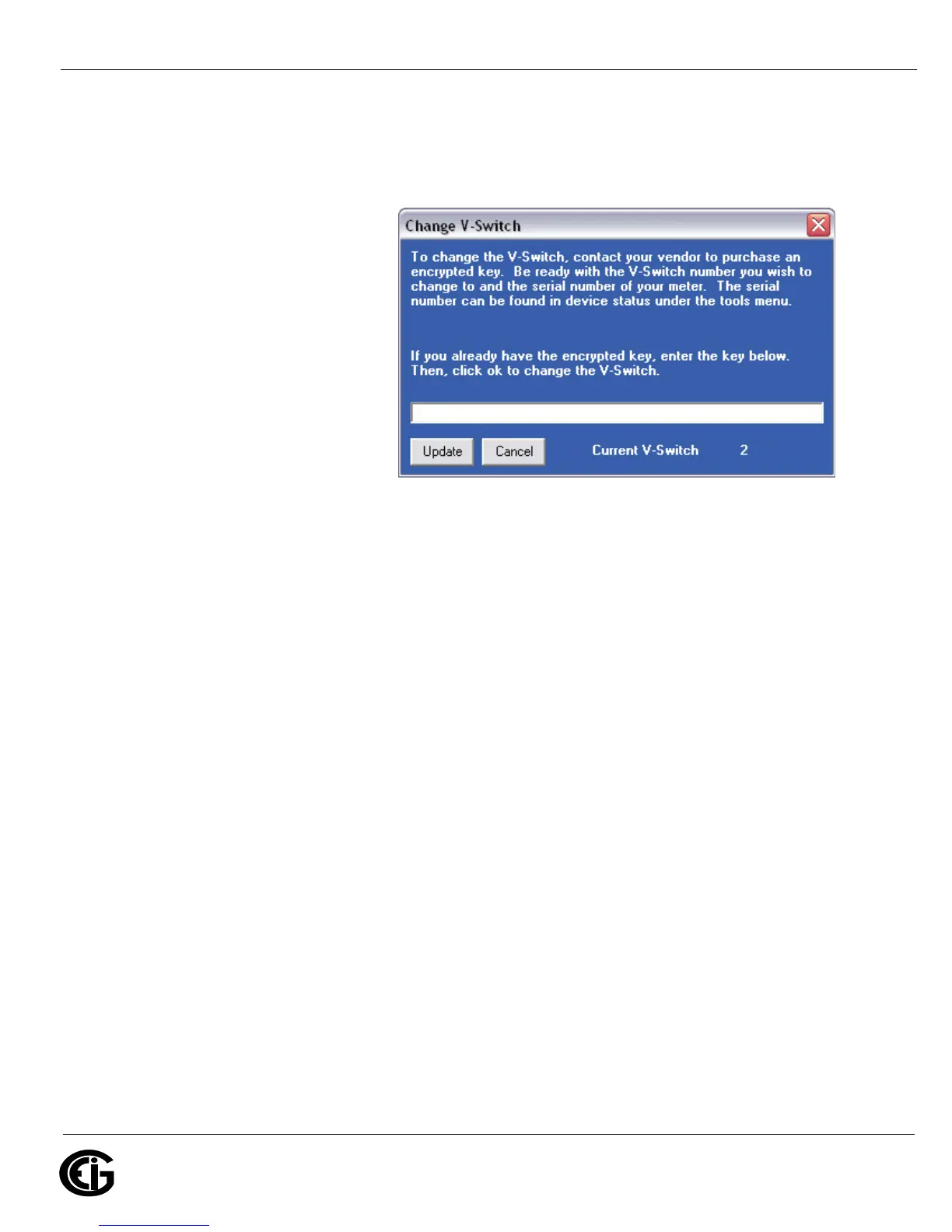
6. Click the Change button
next to Change
VSwitch
TM
. A screen
opens, requesting the
encrypted key. Enter the
V-Switch
TM
key provided
by EIG.
7. Click the Update but-
ton. The V-Switch
TM
key
is enabled and the meter
is reset.
NOTES:
• For more details on software configuration, refer to Chapter 5 of the Communicator
EXT
TM
Software User Manual.
• The Shark® 100B does not have any V-Switch™ options.



 To Next Page