47
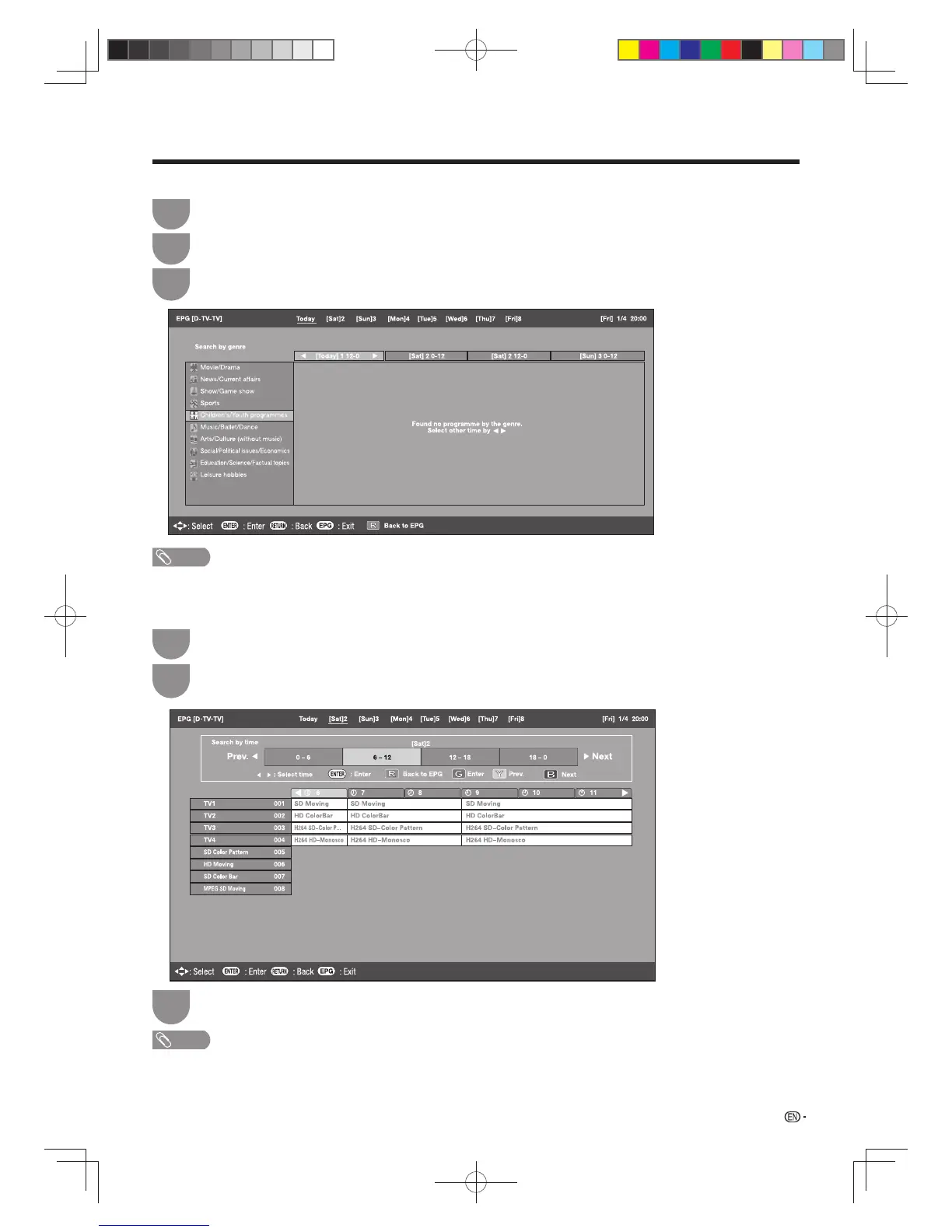
4 Search a programme in a category
Press
G
.
1
Press
a
/
b
to select the desired genre, and then press
ENTER
.
2
Press
a
/
b
to select a programme you want to watch, and then press
ENTER
.
3
5 Search for a programme by date/time
Press
Y
.
1
Press
a
/
b
/
c
/
d
to select the desired time span and then press
ENTER
.
2
Press
a
/
b
to select the desired programme, and then press
ENTER
.
3
NOTE
• When you select a programme outside of the current time span, the timer setting screen displays. (See page 48.)
Watching TV
NOTE
• The genre information depends on the broadcasts.
• You can also display the EPG screen from “Menu”
s
“EPG”
s
“Search by genre”.
60X50H_en_ID5.indd 4760X50H_en_ID5.indd 47 2011-6-13 17:20:082011-6-13 17:20:08








 To Next Page