64
AQUOS LINK
Power on the AQUOS BD player and select
the appropriate external input.
1
Press
MENU
and the MENU screen displays.
2
Press
a
/
b
to select “Top menu/title list”, and
then press
ENTER
.
4
Playback of titles using AQUOS LINK
This section explains how to play back a title in the
AQUOS BD player.
Select the title with
a
/
b
/
c
/
d
, and then
press
I
to start playback.
5
• The linked recorder now powers on and the TV
automatically selects the appropriate external
input source.
• The title list data from the connected AQUOS BD
player displays.
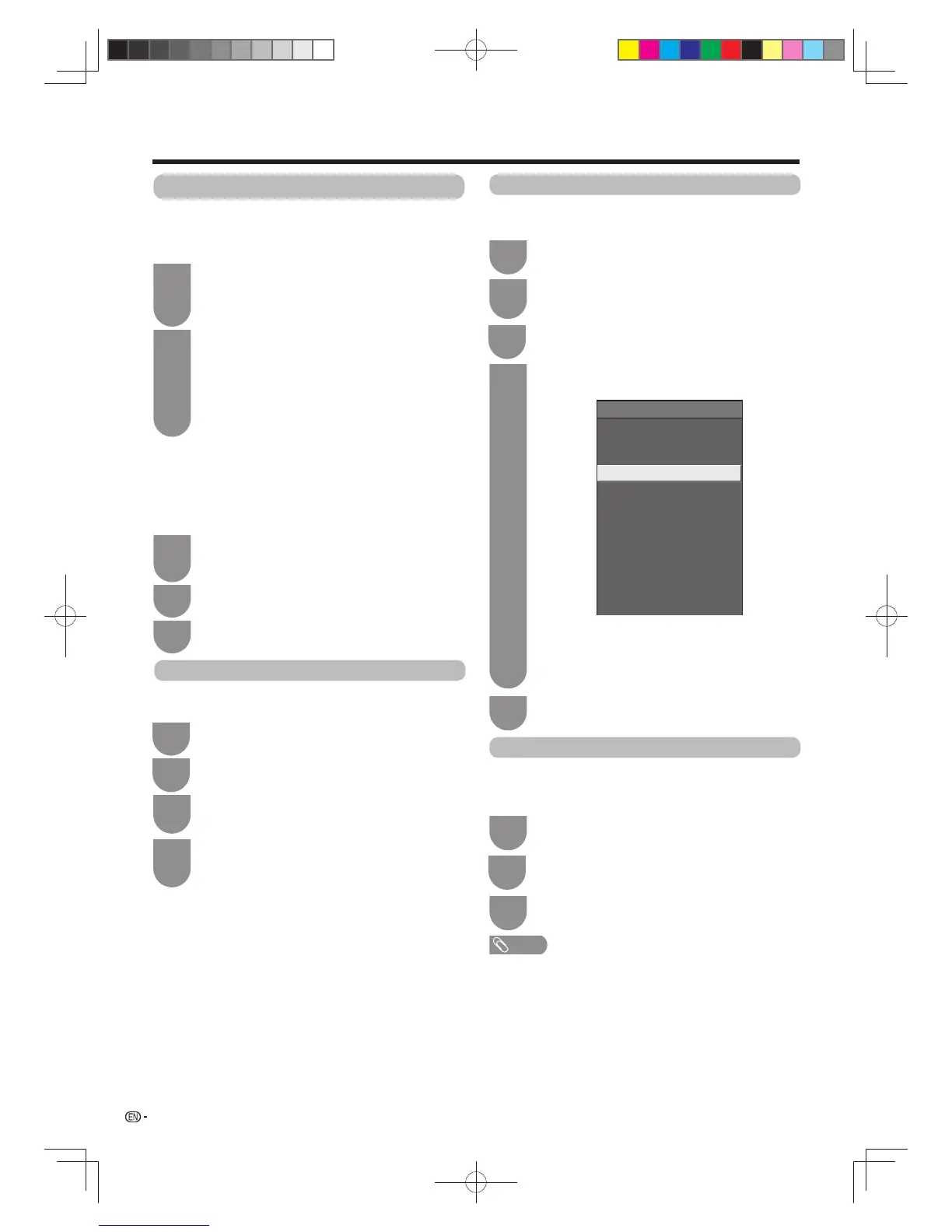
Link operation
Recorder power on/off
Top menu/title list
Setup menu
Media change
Recorder EPG
Change audio output device
[By AQUOS audio SP]
Sound mode change
Model select
AQUOS LINK setup
Press
MENU
and the MENU screen displays.
1
Setup menu
You can call up the menu of an HDMI CEC-compatible
external device (player, recorder, decoder, etc.) using the
“Setup menu” function.
Press
a
/
b
to select “Setup menu”, and then
press
ENTER
.
3
NOTE
• If a connected device does not have this function or the device is in
a status where the menu cannot be displayed (recording, entering
standby, etc.), this function may not be available.
Press
a
/
b
to select “Recorder power on/off”,
and then press
ENTER
.
3
Every time you press
ENTER
in “Recorder
power on/off” , the CEC-compatible recorder
will be turned on/off.
4
Recorder power on/off
This function is for turning of the CEC-compatible
recorder on/off.
Press MENU and the MENU screen displays.
1
Operating an AQUOS LINK device
AQUOS LINK allows you to operate the HDMI-
connected device with one remote control.
Use the following procedures to start playback.
Press
I
to start playback of a title.
• See this page, section “Playback of titles using
AQUOS LINK” if you want to start playback using
the list of the titles of the AQUOS BD player.
1
Press
J
to fast forward.
Press
G
to reverse.
Press
H
to stop.
Press
F
to pause.
Press
SOURCE
a
to turn the HDMI-
connected device on/off.
2
After you selected recording media (HDD,
DVD, etc.) in the menu, please make sure the
recording menu in the ready condition.
1
Press
E
to record a programme.
2
Use the following procedures to start recording.
Check the following items before recording.
• Make sure the antenna cable is connected properly.
• Check if the recording media (HDD, DVD, etc.) has enough
capacity for recording a programme.
• Select the equipment for recording in Selecting Recorder.
Press
H
to stop recording.
3
Press
c
/
d
to select “Link operation”.
2
Press
c
/
d
to select “Link operation”.
3
Press
c
/
d
to select “Link operation”.
2
60X50H_en_ID5.indd 6460X50H_en_ID5.indd 64 2011-6-13 17:20:152011-6-13 17:20:15



 To Next Page