48
w Selecting “Watch” in the timer setup
screen
This setting allows you to switch to a programme at a
set time.
1
Press
c
/
d
to select “Watch”, and then press
ENTER
.
2
Press
c
/
d
to select “Yes”, and then press
ENTER
.
3
Press
ENTER
to set time.
• The selected TV programme is marked with an icon.
Watch No
Watching TV
Timer setting using EPG
You can select TV programmes using data from the EPG.
Press
EPG
.
•
You can also enable this function from “Menu” ->
“EPG” -> “EPG”.
Press
EPG
.
•
You can also enable this function from “Menu” ->
“EPG” -> “EPG” .
1
1
Press
a
/
b
/
c
/
d
to select the programme
you want to set, and then press
ENTER
.
2
Press
c
/
d
to select the timer setting, and
then press
ENTER
.
• If you select “No”, the TV returns to the EPG
screen.
3
Cancelling the timer setting
Switching subtitle languages
Text
Press
a
/
b
/
c
/
d
to select the programme on
timer setup, and then press
ENTER
.
2
Press
c
/
d
to select “Cancel”, and then press
ENTER
.
3
w Cancelling using B button on the remote
control
Press
EPG
.
1
Press
B
to display the timer list screen.
2
Press
a
/
b
to select a programme you want
to change, and then press
ENTER
.
Press
c
/
d
to select “Cancel”, and then press
ENTER
.
4
Press
c
/
d
to select “Yes”, and then press
ENTER
.
4
Press
ENTER
to cancel timer setup.
5
Press
c
/
d
to select “Yes”, and then press
ENTER
.
5
3
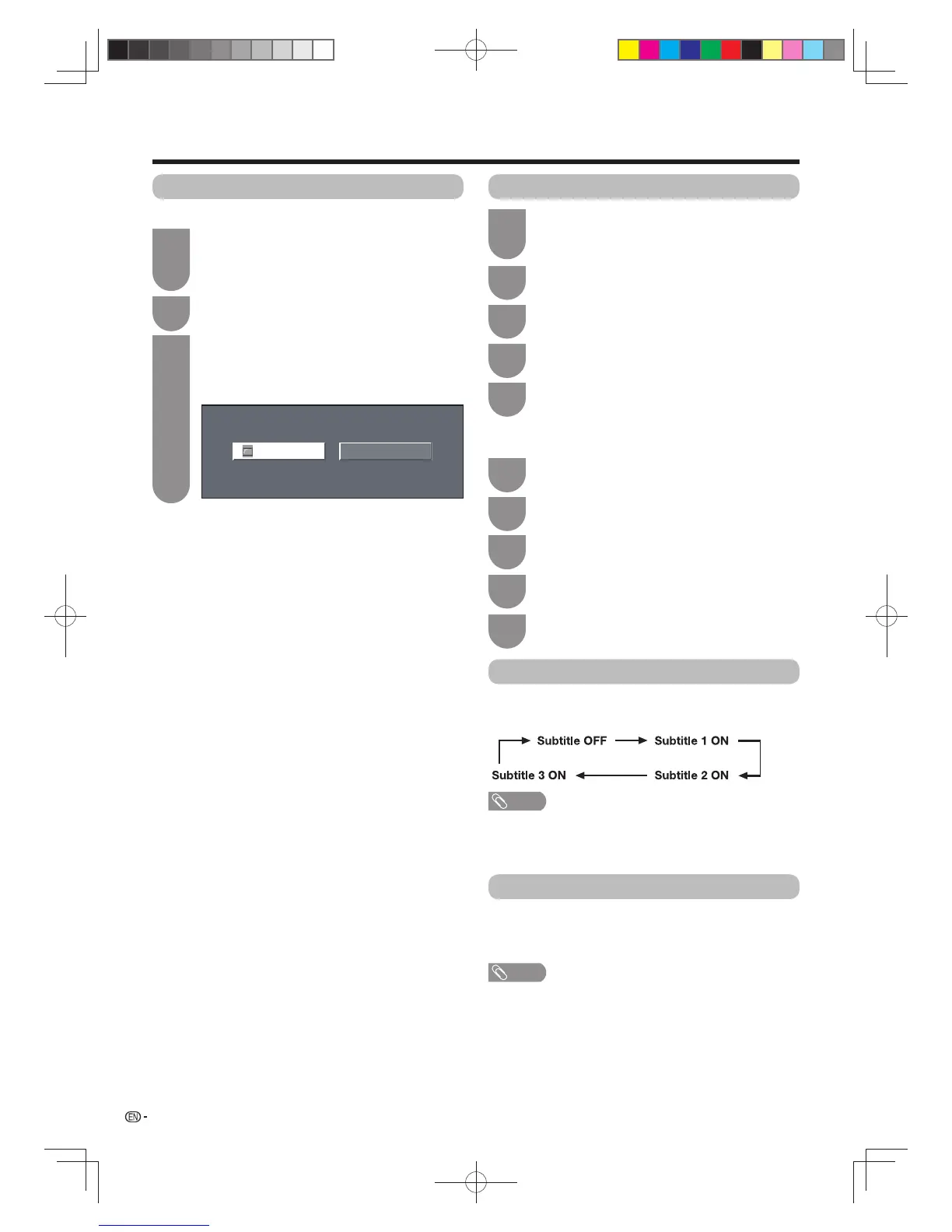
Each time you press
[
on the remote control, the
subtitle switches.
NOTE
• When there is no subtitle broadcast, “No subtitle Data” will
be displayed.
• The number of subtitle languages available differs
depending on the programme.
MHEG-5 data broadcast is scheduled in Hong Kong.
You can watch a MHEG-5 data broadcast after
pressing the TEXT button.
NOTE
• MHEG-5 may not be displayed in 3D mode.
60X50H_en_ID5.indd 4860X50H_en_ID5.indd 48 2011-6-13 17:20:082011-6-13 17:20:08








 To Next Page