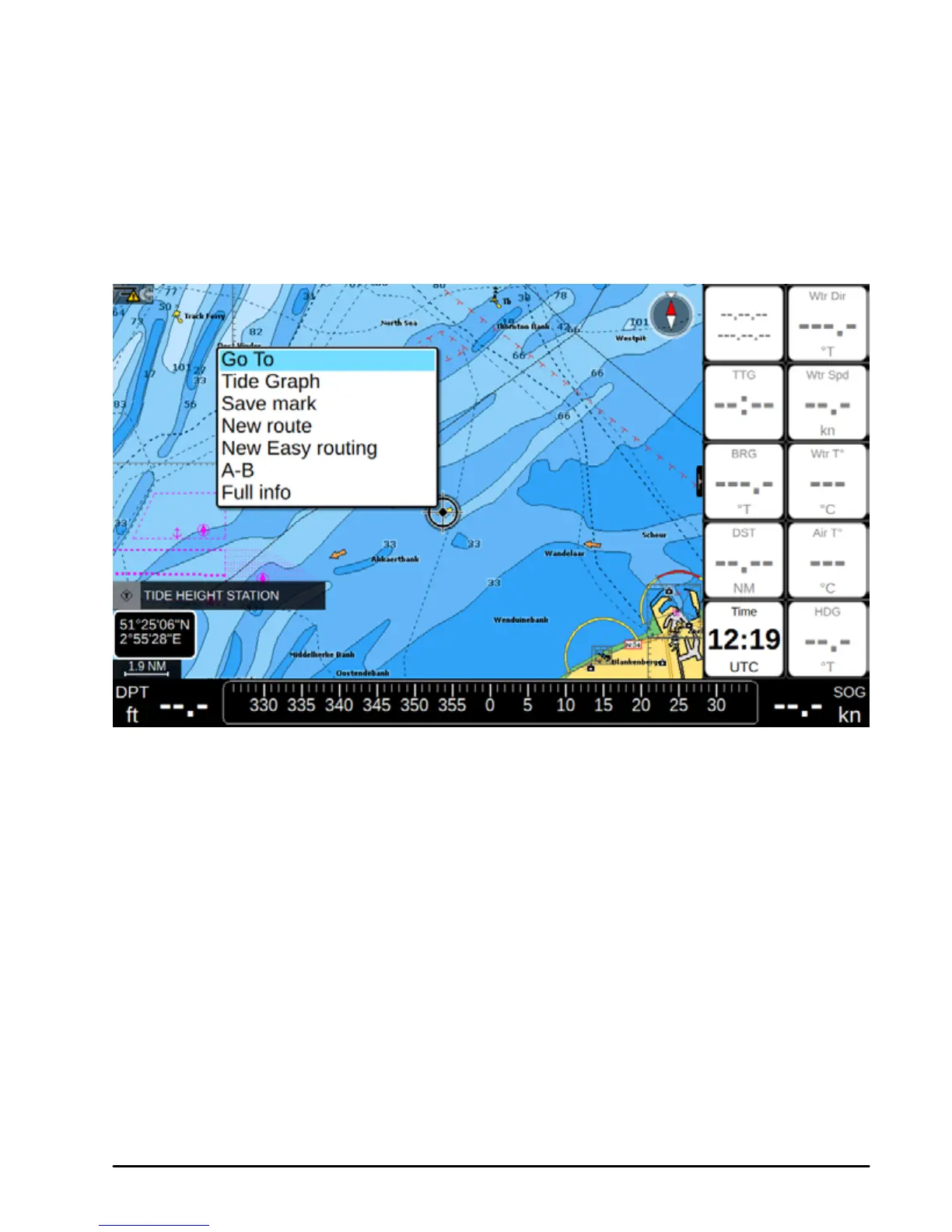
There is also quick-info popup appearing automatically when you put cursor over any of the
map objects. Automatic quick-info popup can be turned o:
1. Open Main Menu
2. Select “Map Settings”
3. Select “Objects on map”
4. Place cursor on “Chart Tooltip” and press [ENTER]
5. To leave Full info page and get back to map press [CLEAR]
Fig.5.3. Object’s full info contextual menu on Map
Full info page lists information about the selected object or map area. “Depth area” tab is
present on the full info page of majority of objects, and presents information about minimal
and maximal depth. Other useful navigation information is present on this page.
Full info page contains “Locate on map” and “Go To” buttons.



 To Next Page