7. User Data
User data point is an object that you can place on the charts to mark a specic point and get
it stored in chart plotter’s database. The chart plotter has the following types of user data:
Marks Events, Tracks, Route and Waypoints. A Mark can be created on the cursor’s position
while an Event is created on boat’s position. Track is a boat trail. A Waypoint is a part of Route.
All the user data can be accessed both from map and from dedicated page in Main Menu.
Operating on map is possible via contextual menu. When you press [ENTER] on map,
contextual menu appears. Using contextual menu you can add, edit or delete a user data.
7.1 Marks
Marks are a useful and easy way to mark and store any place on map. Like any other user
data type, marks can be added, modied or deleted both in Marks lists and on map page.
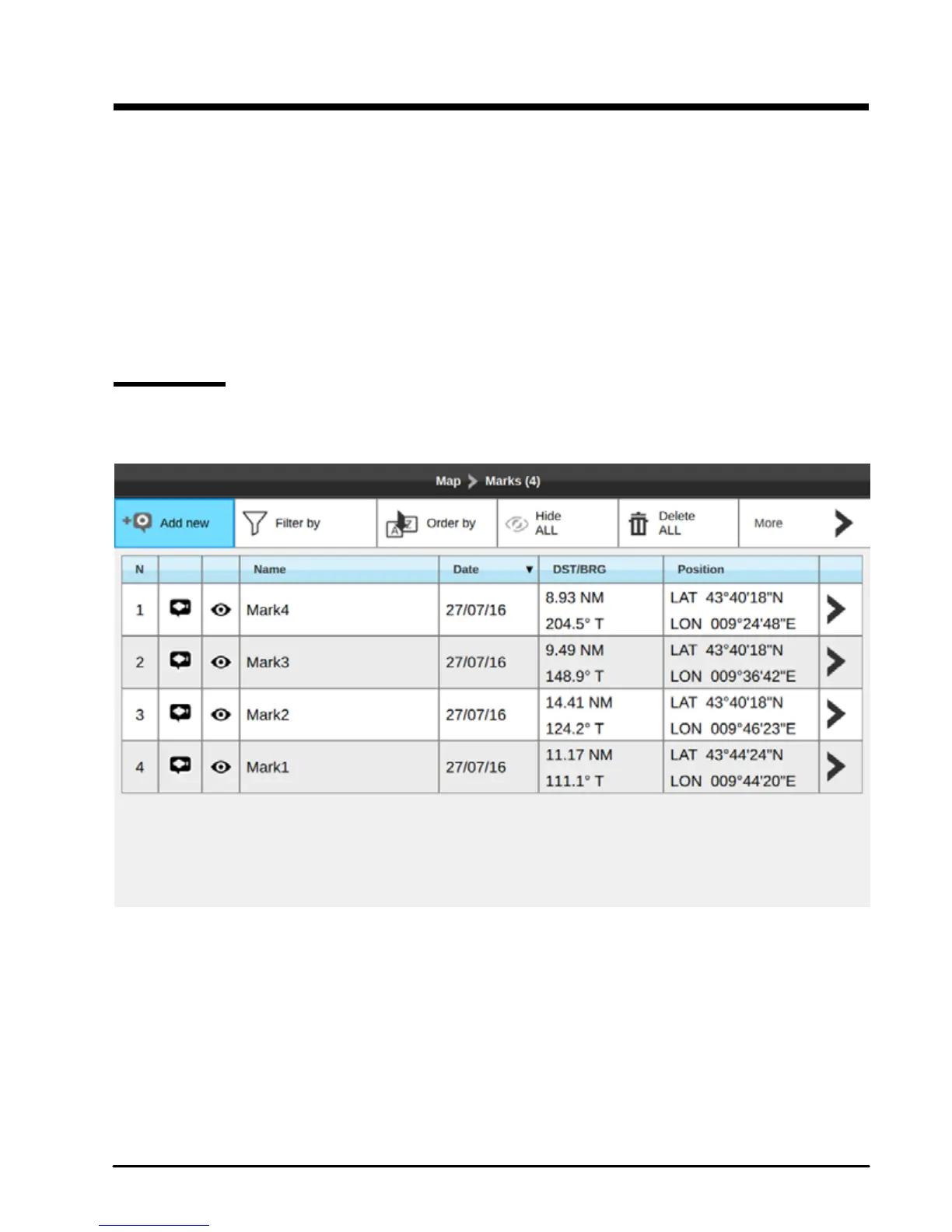
Fig.7.1 – Marks page
To open Marks list:
1. Press [MENU]
2. Select “Marks”
3. Press [ENTER].
On this page you can observe all marks and events, that are stored on your plotter.



 To Next Page