18. Fish Finder
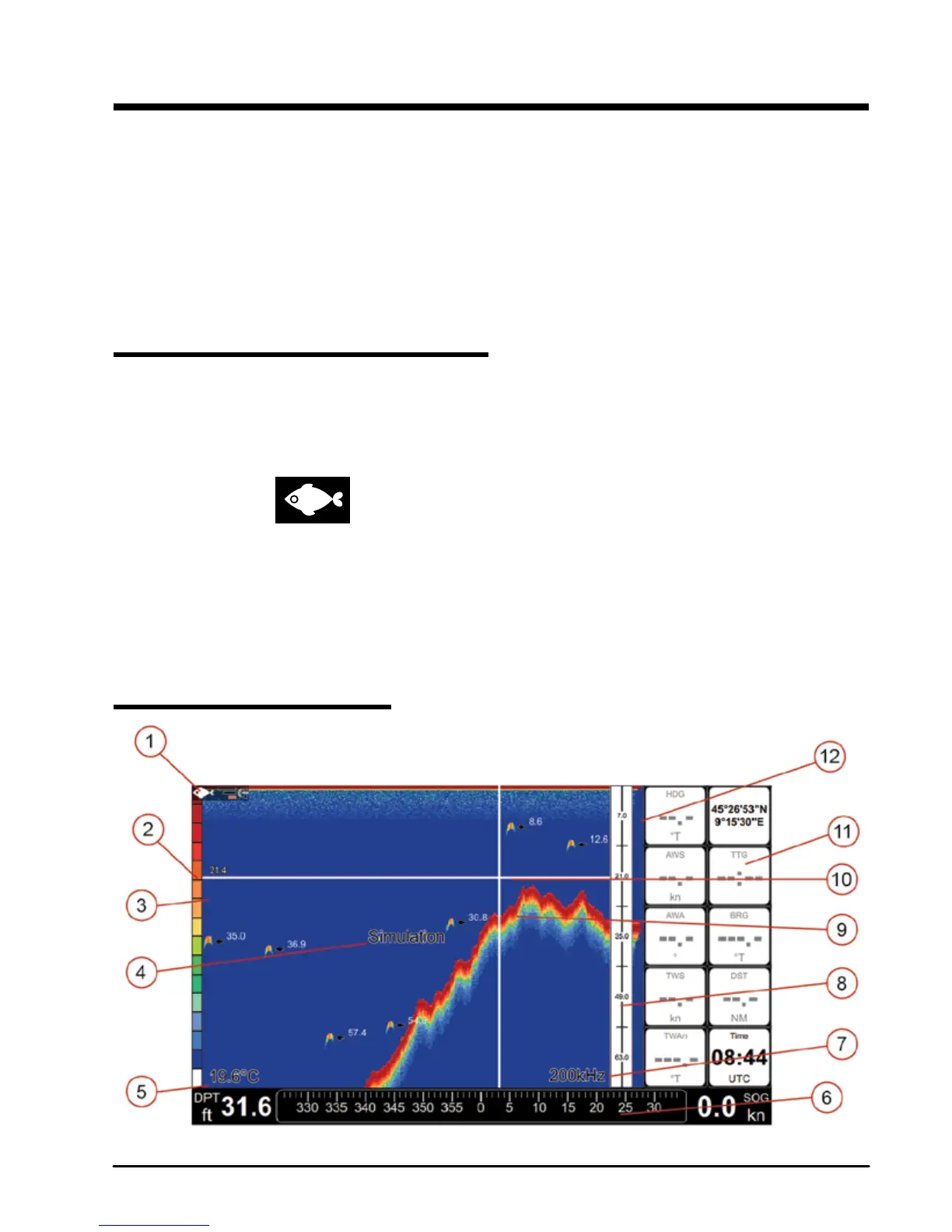
The Fish Finder consists of a high power transmitter, sensitive receiver and a transducer. The
Fish Finder sends acoustic (sound) wave through the water. As this wave travels from the
transducer to the bottom, it may strike sh, structures, thermoclines (temperature changes
in the water). When the wave strikes an object(s) a certain amount of the wave is reected
back to the transducer depending on the composition and shape of the object. When the
reected wave is returned to the transducer it is converted into a voltage and is amplied by
the receiver, processed and sent to the display.
18.1 Switching on the Fish Finder
Before you can see the information from Fish Finder on the screen, you must setup a chart
plotter port. Each of the serial ports has an option “Fish Finder”. You may use either this
option or “Auto-detect” option of the serial port.
A Fish Finder icon appears in the status bar after Fish Finder is connected and
detected by the chart plotter. “Disconnected” label appears at the bottom of the Fish Finder
page in case you've disconnected the Fish Finder.
NOTE Plotter doesn't support more than one Fish Finder, so make sure other serial ports are
not set to “Fish Finder” option.
18.2 Fish Finder full page



 To Next Page