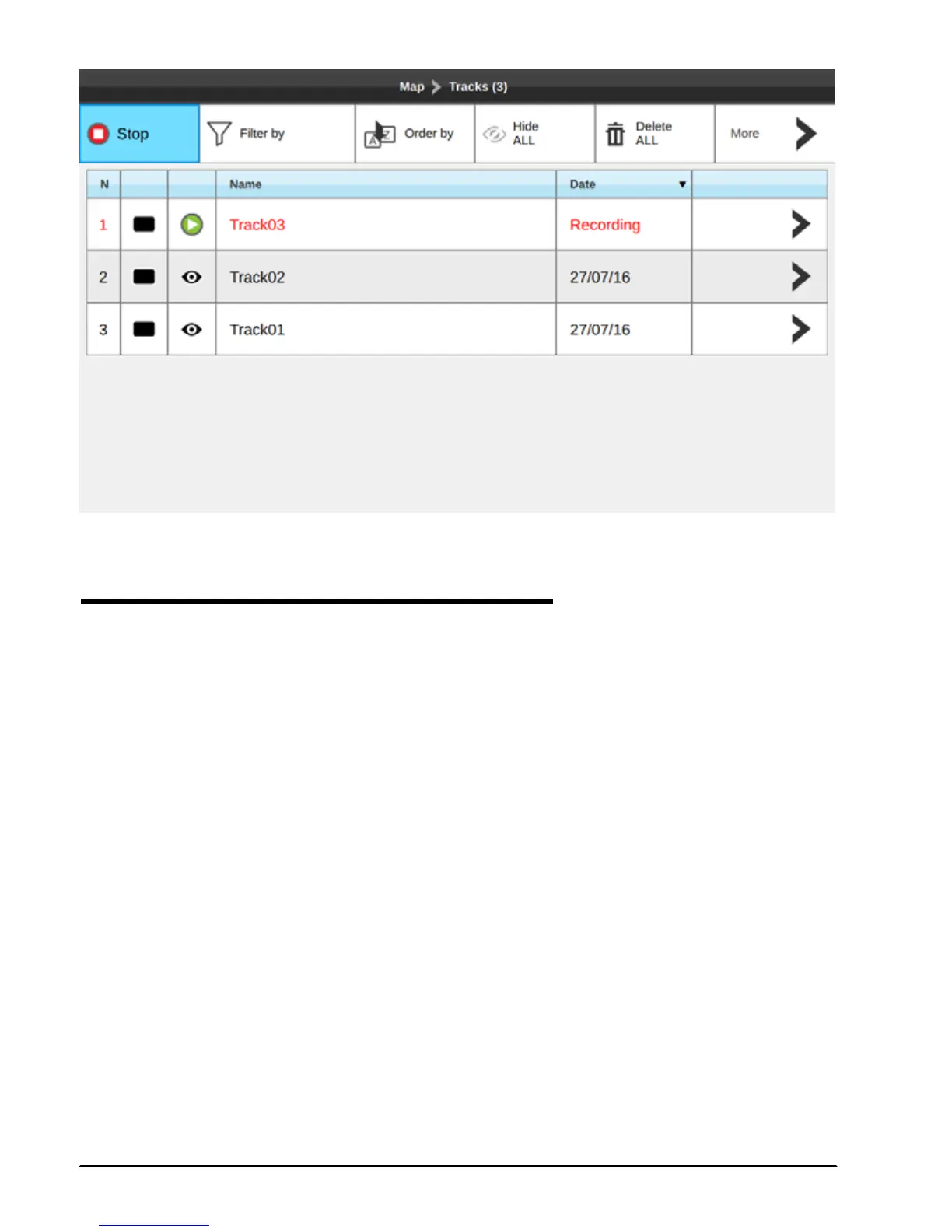
Fig.7.4 – Tracks page
7.4.1 Setting up a track generation interval
By default track records your position every 1 second. There are two possible algorithms
of track generation: by Distance and by Time. If Distance - a track point is placed when the
distance from its last stored position is greater than the dened distance; if Time – a track
point is placed after the dened time. You can select the track generation time interval [1, 5,
10, 30 sec, 1 min, 5 min, 10 min,] or distance [0.01 - 10.0] Nm. Setting a short time/distance
interval between track points is best suited to navigate within a close or complex environment,
while a greater time/distance interval is best suited to a long voyage.
To select the interval at which the Track points are placed.
1. On map page press [MENU]
2. Select “General Settings”
3. Open “Navigation” tab
4. Move cursor to “Time interval” or “Distance interval” and press [ENTER] to enable
In the same page, for both options (time / distance) you can enable the “Automatic optimization
of track points” function to save the points with the selected criteria but optimizing it in a smart
way to save memory.



 To Next Page