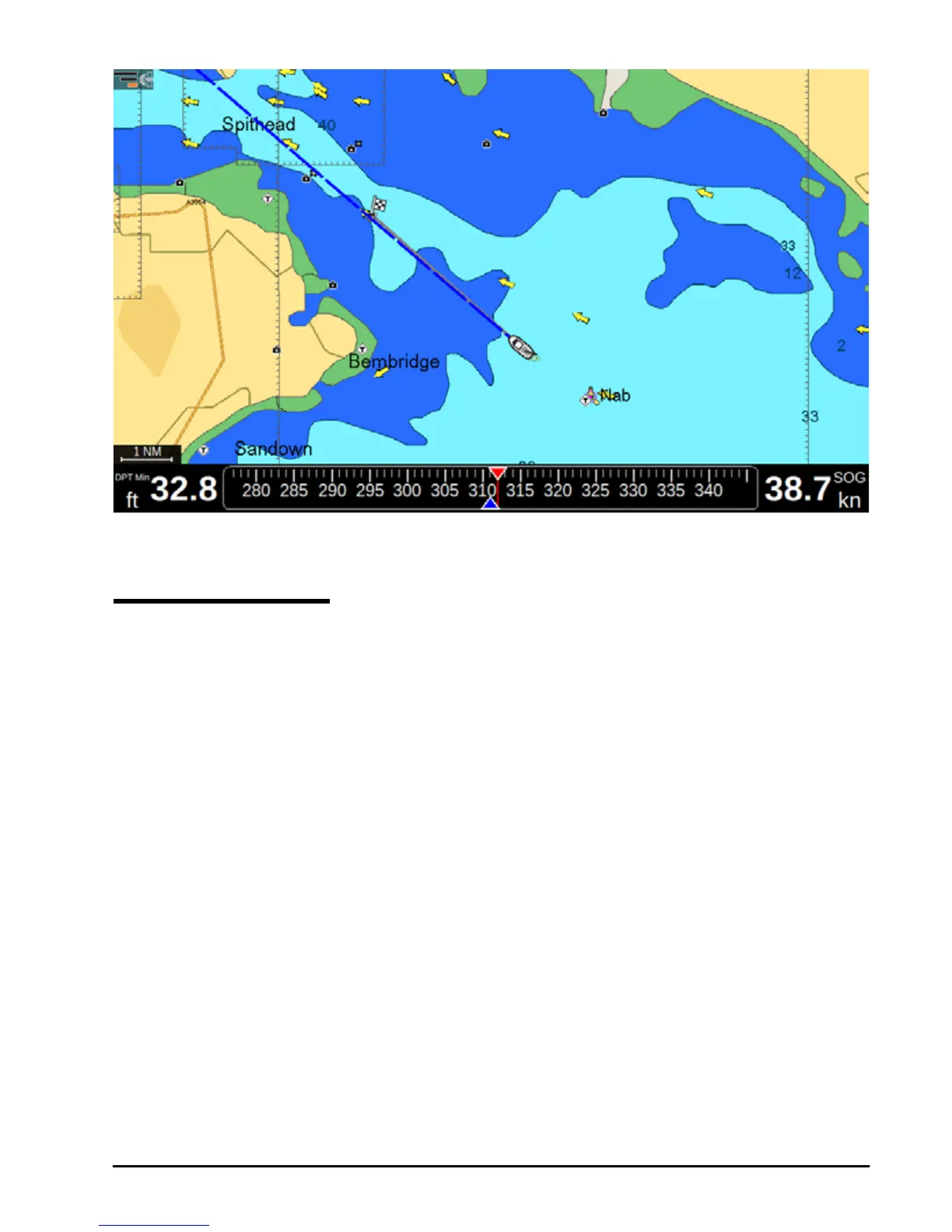
6.1.2 Map with Active navigation
6.2 Creating a route
A route consists of a set of waypoints.
To create a route from the routes list page:
1. Press [MENU]
2. Select “Routes”
3. Press [ENTER].
4. Select “Create new” in the top bar menu
5. Press [ENTER]. A new empty route will be created with default color and name.
6. Press [ENTER] on the desired route to open its page for further editing: adding
waypoints, editing route’s name, description and color.
To create a route on map:
1. Place cursor on map at desired position
2. Press [ENTER]
3. Select “New Route”
Now you are in a route creation mode.
4. Move the cursor, using the joystick, to another place on map.
5. Press [ENTER] to add waypoint, or [CLEAR] to exit route creation mode.



 To Next Page