19. System messages
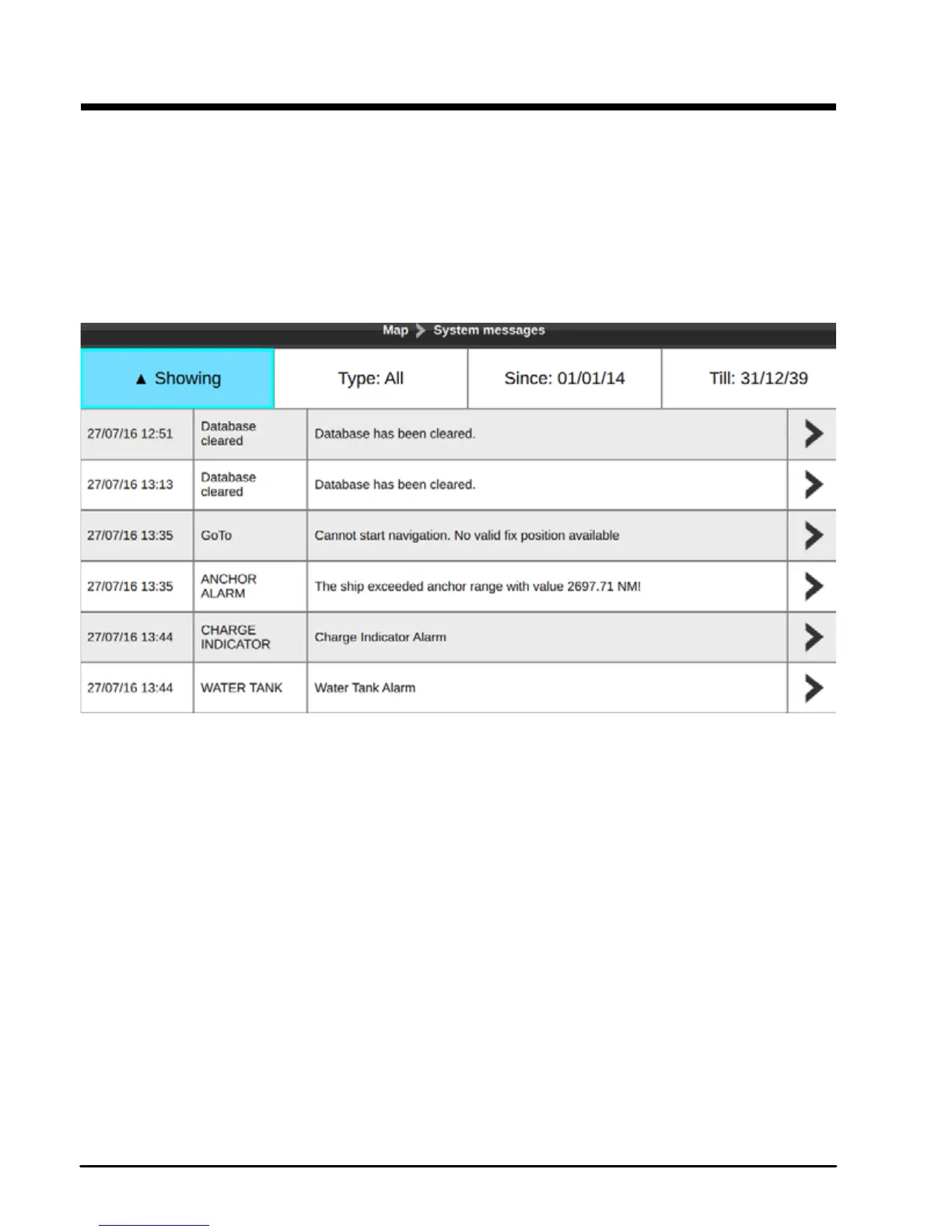
System messages page lists the history of all the Warning messages and Alarms with the
date and time when they appeared.
To access System Messages:
1. Press [MENU] on any of the main pages
2. Select “System messages”
3. Press [ENTER]
Fig 19 – System messages page
Filter system messages to nd the desired one:
●order by date
●lter by type (Warnings or Alarms)
●lter by date
You can change the order of system messages in list: from new to old and vice versa. You can
also lter them by date by choosing “Since” and “Till” date.
To save a system message or all system messages to micro SD card:
1. Insert micro SD card to the chart plotter micro SD slot
2. Open System messages page
3. Select a system message and press [ENTER]
4. Select “Save message...” or “Save all messages to micro SD card”
5. Press [ENTER].
NOTE All system messages are cleared after restoring to factory defaults



 To Next Page