7. In case of “Custom” select “Brightness”
8. Press [ENTER]
14.5 Ship Prole Settings
It is important to enter correct information about your vessel’s parameters on the Ship
Prole page.
1. Open General Settings page
2. Select “Ship Prole”
3. Press [ENTER]
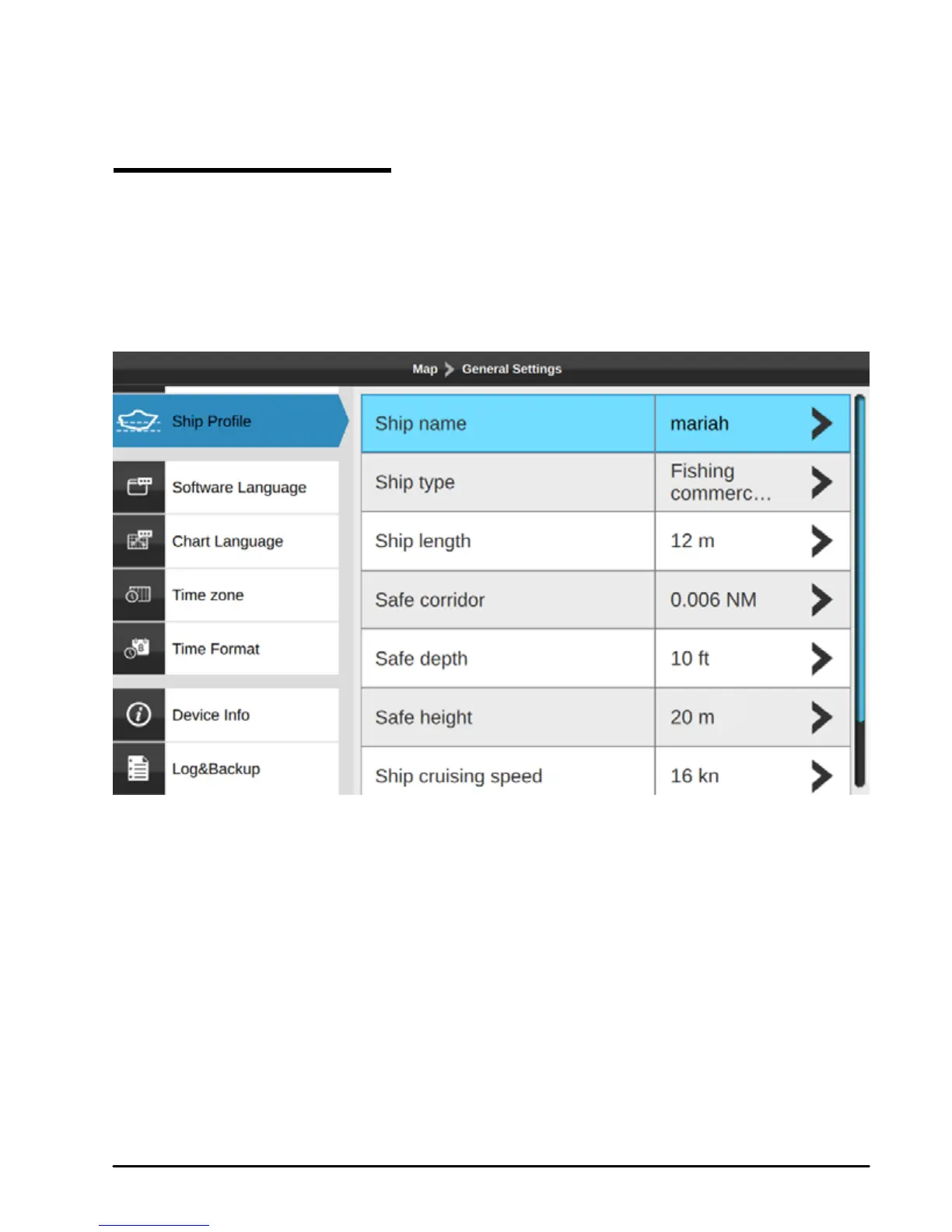
Fig.14.5 – Ship Prole page
●Ship type allows you choosing your boat’s icon on the map.
●Safe depth, safe height, safe corridor information is used for check route function (see Par.
7.3).
●Fuel tank capacity information is used for detecting you fuel level on the Engine page.
NOTE In case the detected engine tank capacity diers from your ship prole data, you will
be notied to edit your Ship Prole



 To Next Page