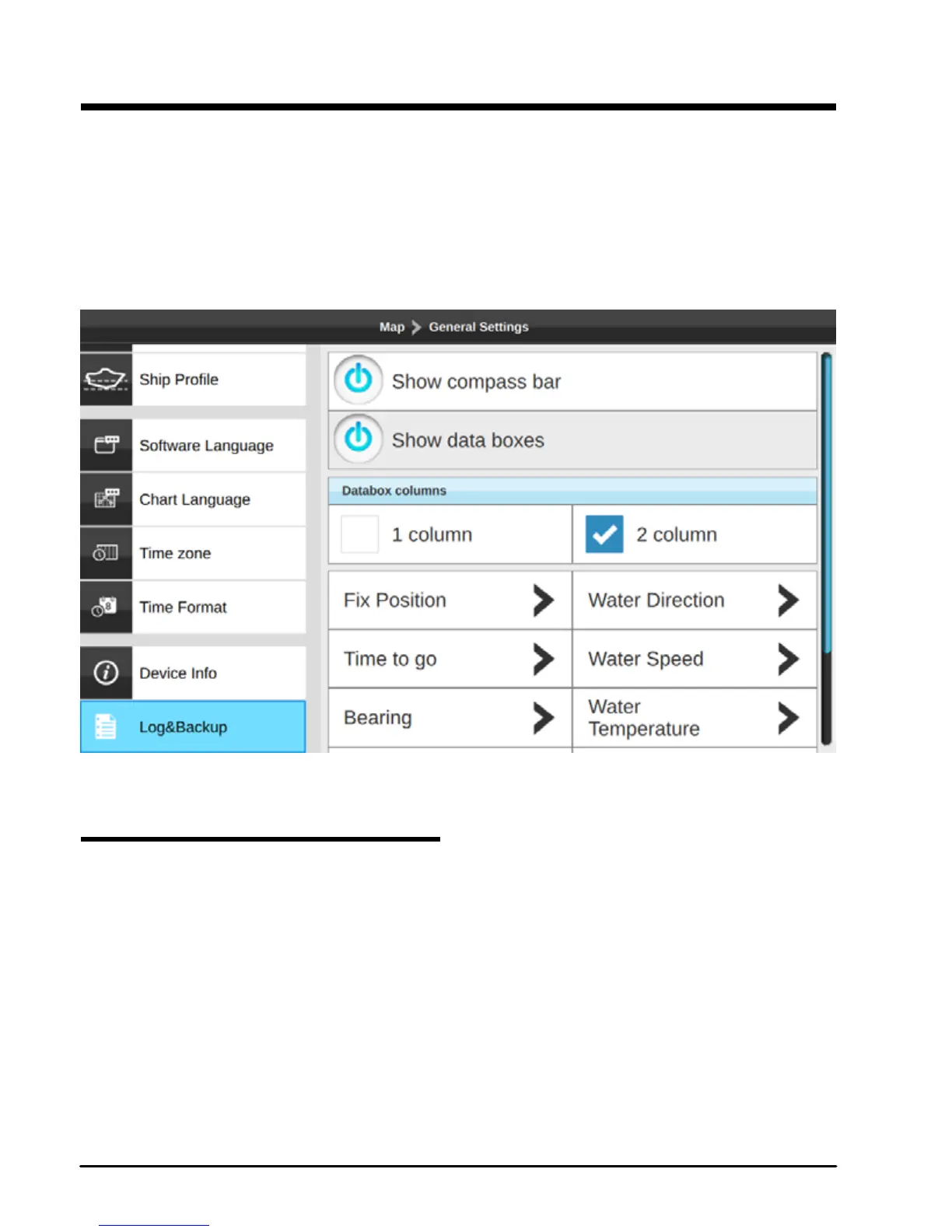
14. General settings
To access General Settings page:
1. Press [MENU] on any page
2. Select “General Settings”
3. Press [ENTER]
This page is dedicated to setting general functions.
Fig.14 – General settings menu
14.1 Export/Import User Settings
Exporting and importing user settings to micro SD card can be done on Log&Backup page.
1. Insert micro SD card to the chart plotter
2. Open General Settings page
3. Select “Log&Backup”
4. Press [ENTER]
5. Select “Export conguration”
6. Conrm your action
Now on your micro SD card you can nd a le with your chart plotter settings conguration.
You can save it and import back to plotter at any time:



 To Next Page