10. Tide info
The Tide Graph page displays a graphical page with the tides prediction of the selected
object.
1. Search for a Tide Station
2. Select a station and press [ENTER]
3. In the Full info page press “Tide Graph”
Otherwise
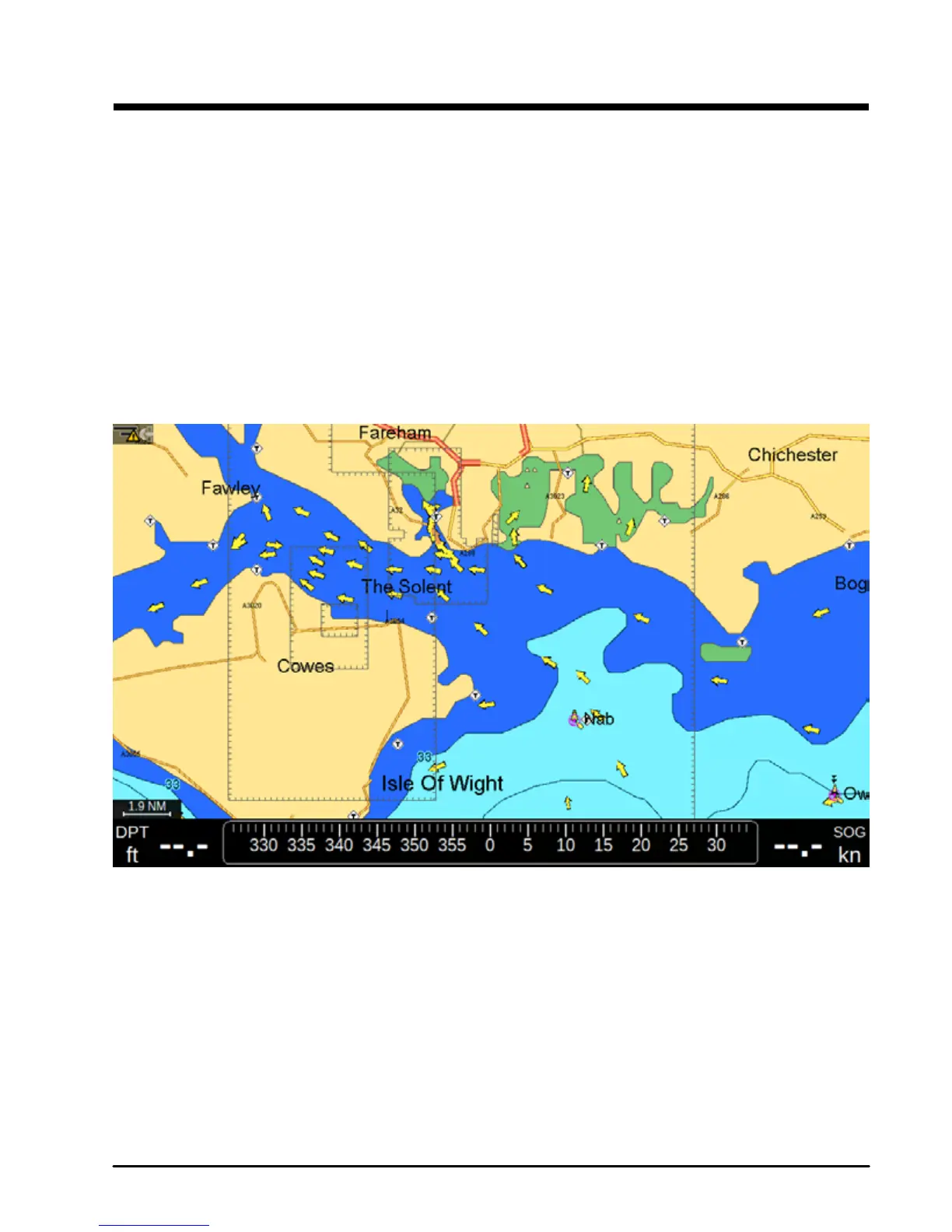
4. Press the Tide Station icon on the map
5. In the Full info page press “Tide Graph”
Fig.10 – Tide Station on Map
On the Tide Graph page you can see the information about sunrise and sunset time for the
selected date. To change the date on the Tide Graph page:
1. Press [ENTER] on the “Change” button
2. Set date, month and year by moving joystick
3. Press [ENTER] to save change and close the “Change date window”
The tide graph will show the information for the new date.



 To Next Page