9. Search function
Search function is aimed to help you to nd objects on map. Objects are found in a range
around cursor position, which you can vary.
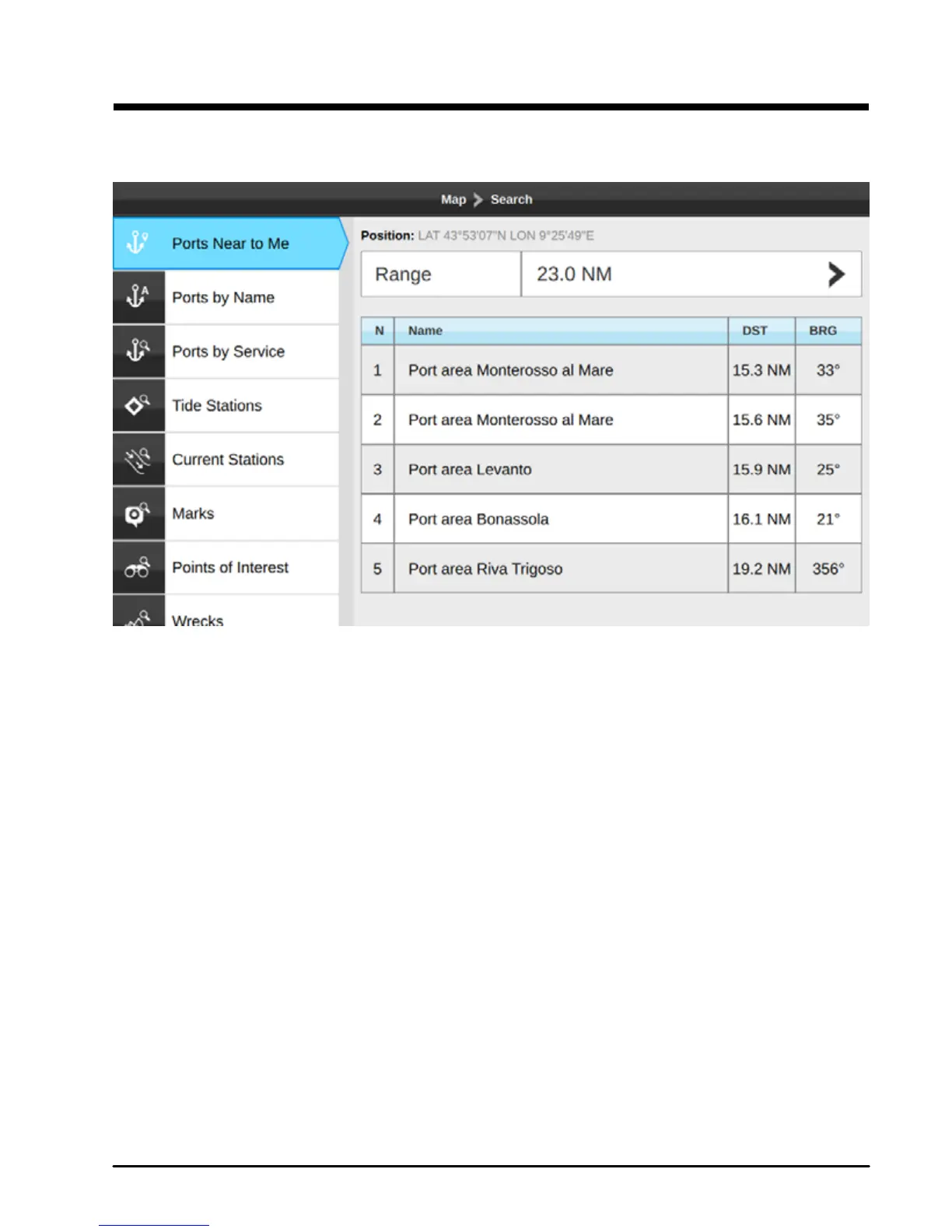
Fig.9 – Search menu
NOTE Search function requires detailed C-Map chart, unless you search Marks.
In the map page:
1. Press [MENU]
2. Select “Search”
3. Press [ENTER]
4. Select the object to search and press [ENTER] You can search dierent objects:
●Port areas
●Ports
●Tide Stations
●Current Stations
●Marks
●Points of interest
●Wrecks
●Obstructions
●Lakes
5. The search operation may take some time, depending on the specied range



 To Next Page