1. Move vertical time marker with joystick to place it in the desired position
2. Press [ENTER]
3. Select “Create Mark”
4. Press [ENTER]
The mark is placed and saved at the place where your boat was located at that exact time
moment.
To start navigation to the point:
1. Move vertical time marker with joystick to place it in the desired position
2. Press [ENTER]
3. Select “Go To Position”
4. Press [ENTER]
Navigation will begin to the point where your boat was at that exact time moment, to which
the vertical time marker pointed.
18.4 Frequency
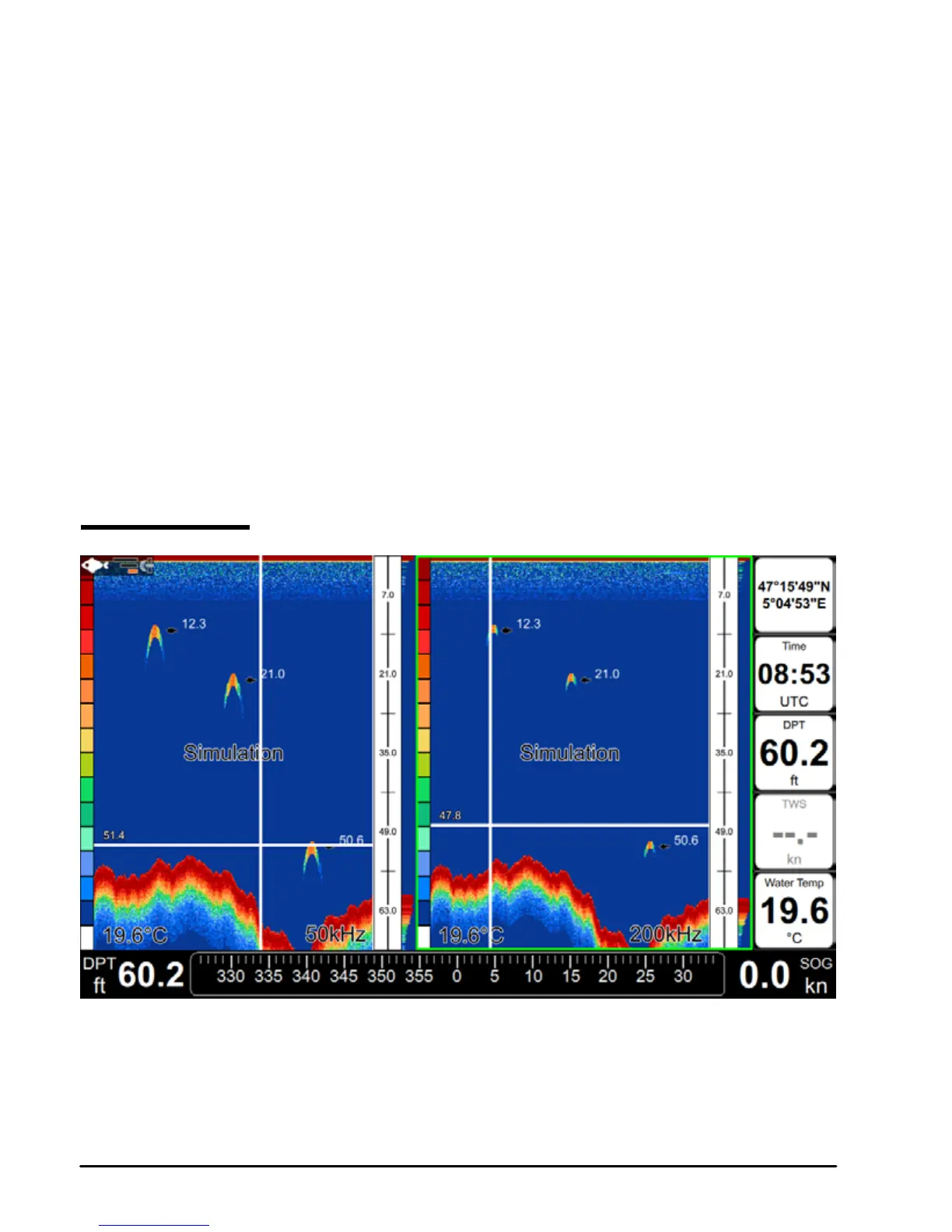
Fig 18.4 – Fish Finder page in double frequency. The green border highlights the active half.
The operation frequency can be changed: 200, 50 or 200/50 kHz.
To change the operation frequency:



 To Next Page