18.3 Echogram history
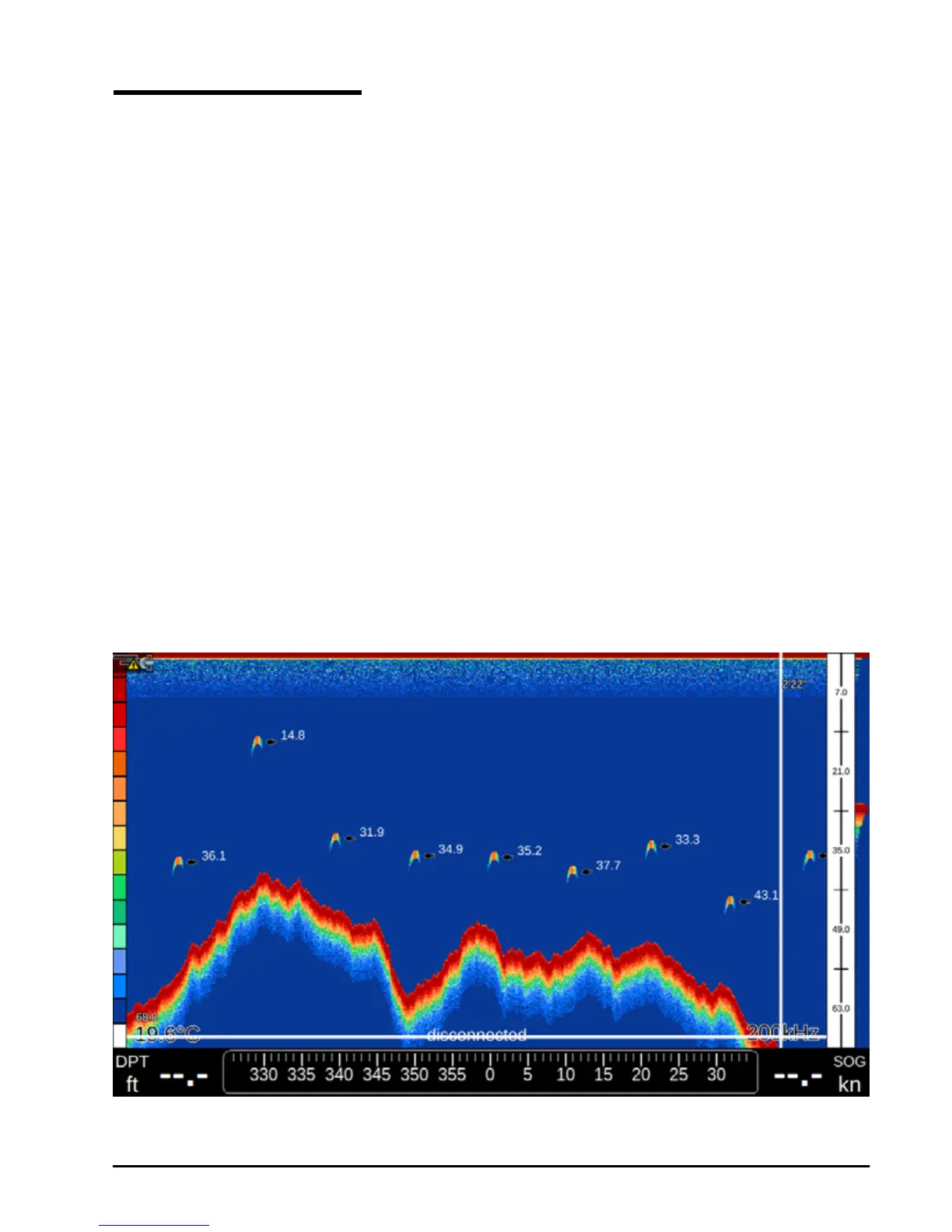
The Echogram presents an approximate picture of the surface under the Fish Finder
transducer that can be scrolled to see the history of the echoes received by the transducer.
To scroll the echogram:
1. Open Fish Finder page
2. Move joystick to the left
You will see the vertical white line moving along the echogram. The scrollable history is limited
and covers around 2048 echoes.
In order to return the vertical time marker to the current time simply press [CLEAR].
To disable echogram scrolling option:
1. On Fish Finder page press [MENU]
2. Select “Display Settings”
3. Move joystick down until “Echogram History” is selected
4. Press [ENTER]
Placing a Mark in the Fish Finder echogram
You can place mark on any place of the echogram history shown on the screen:
Fig 18.3 – Fish Finder History



 To Next Page