4. Controlling the display
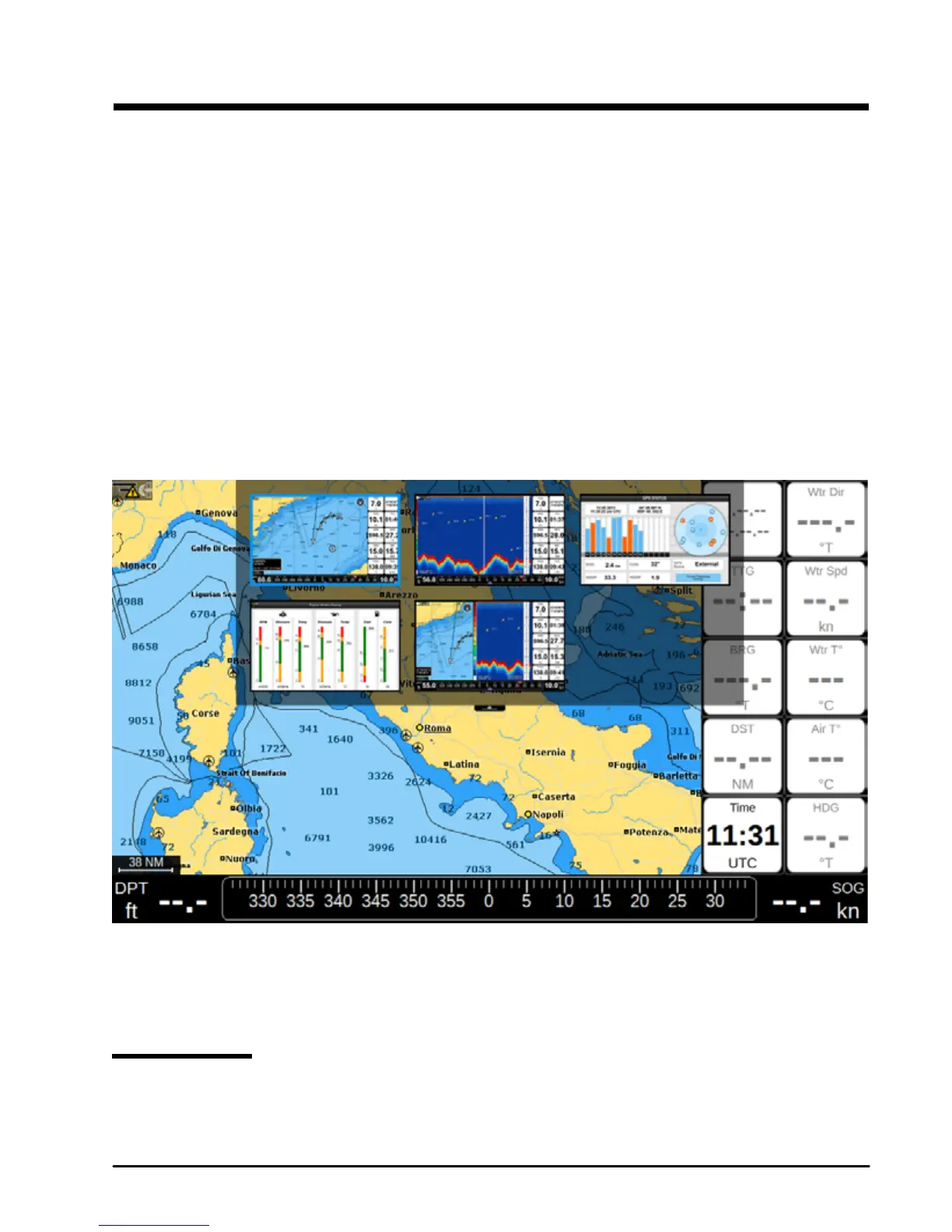
The chart plotter displays 5 main Pages:
●Map (Par. 4.2)
●Fish Finder (Par 4.3)
●GPS status (Par. 4.4)
●Engine Monitor (Par 4.5)
●Split Map / Fish Finder page (Par. 5.5)
To change displayed page:
1. Press [MENU]
2. Select “Page”
3. Press [ENTER]
4. In the widget popup select the desired page by moving joystick cursor and press [ENTER].
4. Pages widget pop-up
A quicker way to switch between pages is to set one of the function keys (see 14.2) to “Page”.
4.1 Status bar
The Status bar appears in the upper part of the screen on every page. It displays:
●GPS status depending on the quality of satellite data



 To Next Page