SIGLENT
36 SDM3045X Digital Multimeter
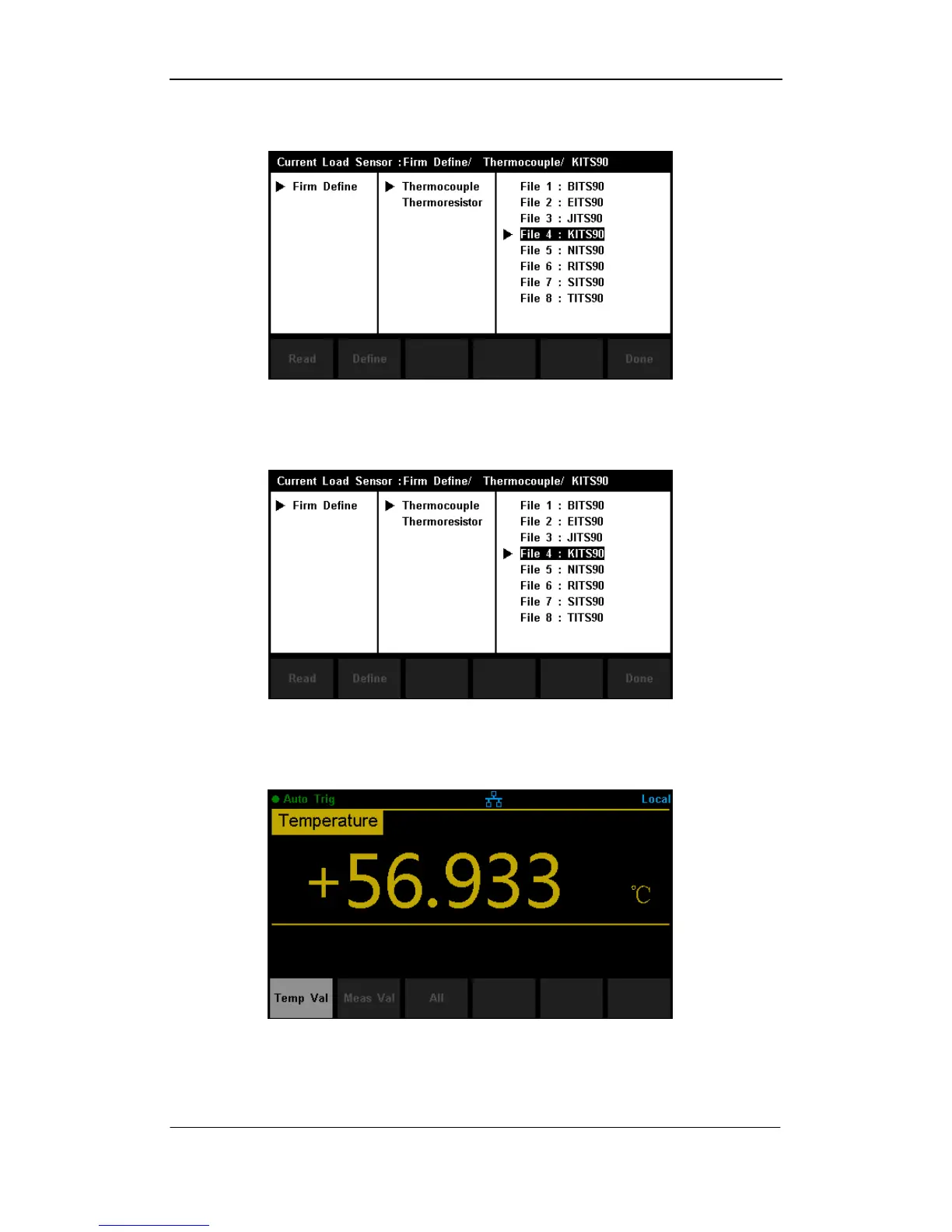
3. Press 【Load】and use direction keys to select the required file. Then
press 【Read】to recall an existing configuration file.
Diagram 2- 29 Load a Configuration File
4. Press 【Define】to view the configuration, as shown in the following
diagram:
Diagram 2- 30 Configuration of the Sensor
5. Press 【Display】 to choose a display mode. The Multimeter supports
three display modes: Temperature Value, Measured Value and All.
Diagram 2- 31 Choose Display Mode of Temperature Measurement



 To Next Page