GPS Synchronisation
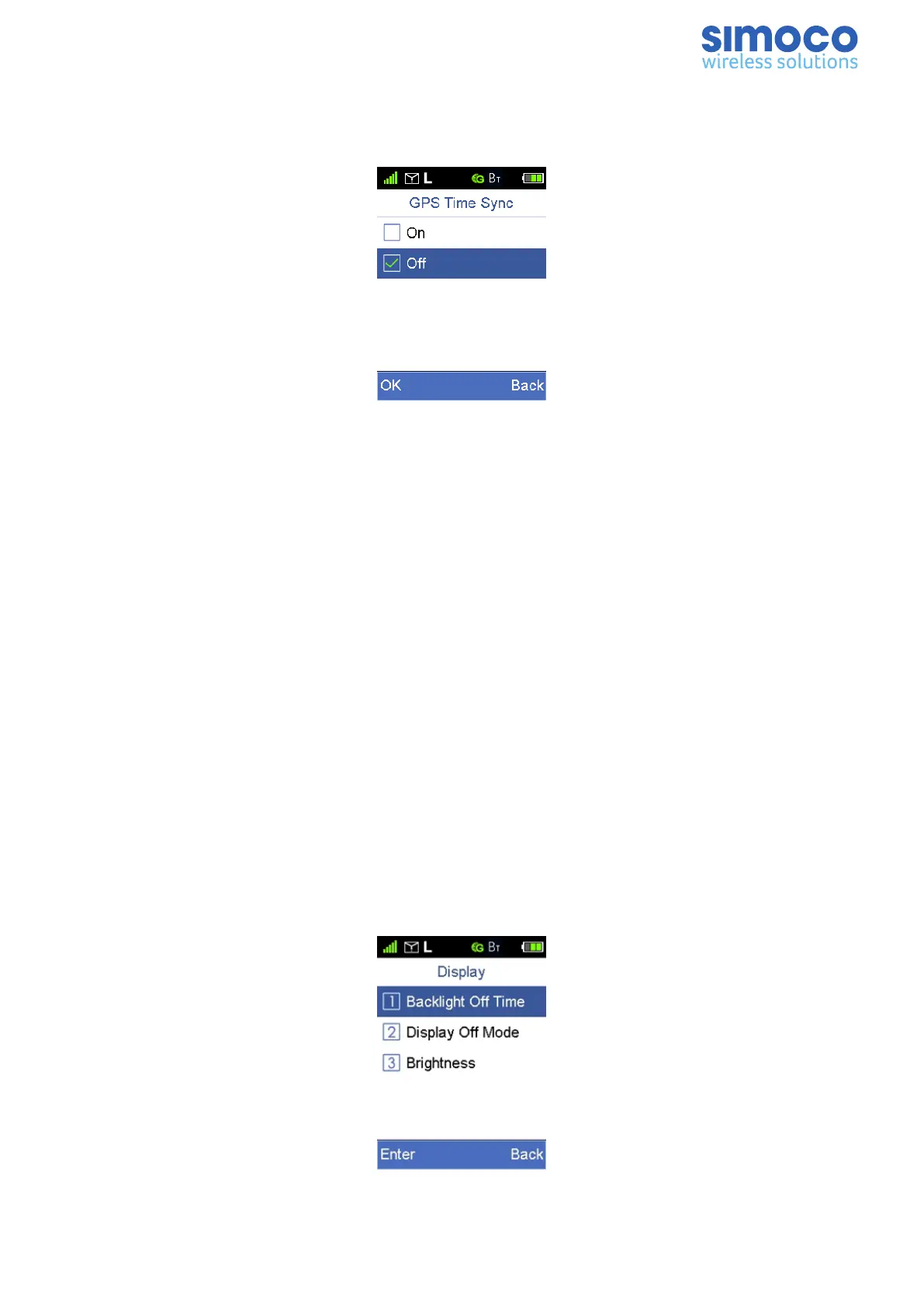
The GPS Synchronization feature gives the user the option of having the date and time
of the radio synchronised to the GPS Time (UTC).
Figure 39: GPSSynchronisation.
Date
Available when synchronisation is off, this allows the user to set the date in the radio.
Time
Available when synchronisation is off, this allows the user to set the time in the radio.
Time Format
This allows the user to set the time to 12 or 24 hour formats.
Time Zone
This allows the user to change the current timezone to enable the correct time to be
displayed, especially when the GPS sync is on.
Display
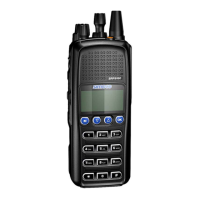
The Display menu option allows the user to adjust the display parameters, which
includes Backlight Off Time, Display Off Mode, and Brightness.
To access the Display menu, from the home screen, select ‘Settings’ > ‘Radio Settings’
> ‘Display’.
Figure 40: Display Menu.
Doc Number: TNM-U-E-0156 Issue: 2.3 Page 34


 To Next Page