3-1
This chapter describes how to install the required software to successfully
operate the GCC.
This chapter discusses the topics listed in the following table. Refer to the page
number listed after the topic for information on that topic.
Topic See Page #
Software Requirements 3-2
Installing the Software 3-3
Installing and Operating the SPC 2120 Utility 3-15
Configuring the Computer Ports 3-17
Adding 2120 Points 3-20
4190 GCC Checkout 3-22
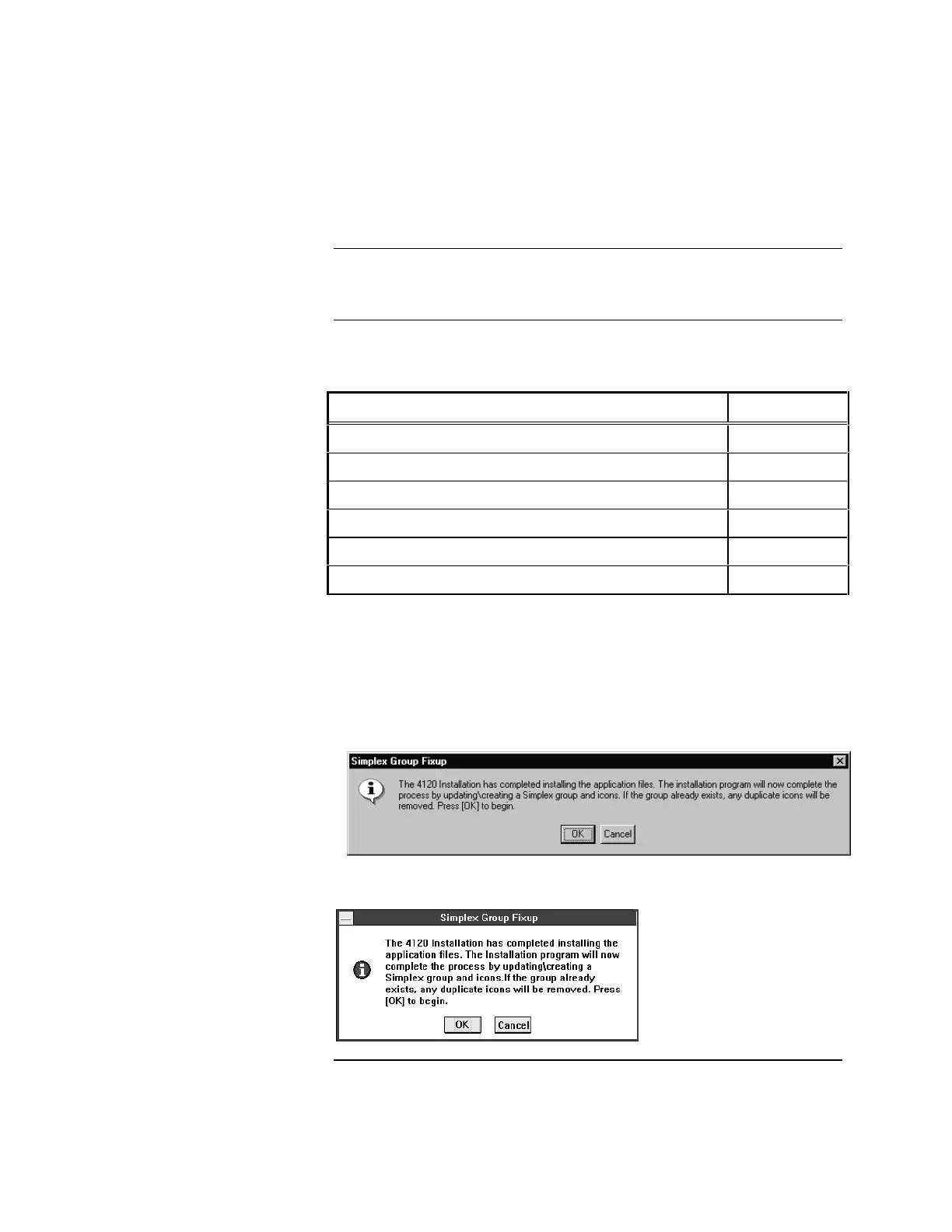
NOTE: The progress screens displayed during Software Installation
appear differently in the Windows 95 and the Windows 3.1 / 3.11
Operating Systems. The screens shown in this document are
those associated with Windows 95 but the textual content will be
the same regardless of display style.
Sample Windows 95 display window:
Sample Windows 3.1 / 3.11 display window:
Chapter 3
Installing the GCC Software
Introduction
In this Chapter



 To Next Page