3-17
The 4120 Network Programmer software is used to define the RS-232 ports to
the network.
Note: All required hardware and software (e.g., controllers,
drivers, etc.) must be installed before you can successfully
complete the following configuration.
Use the following procedure to configure the RS-232 ports.
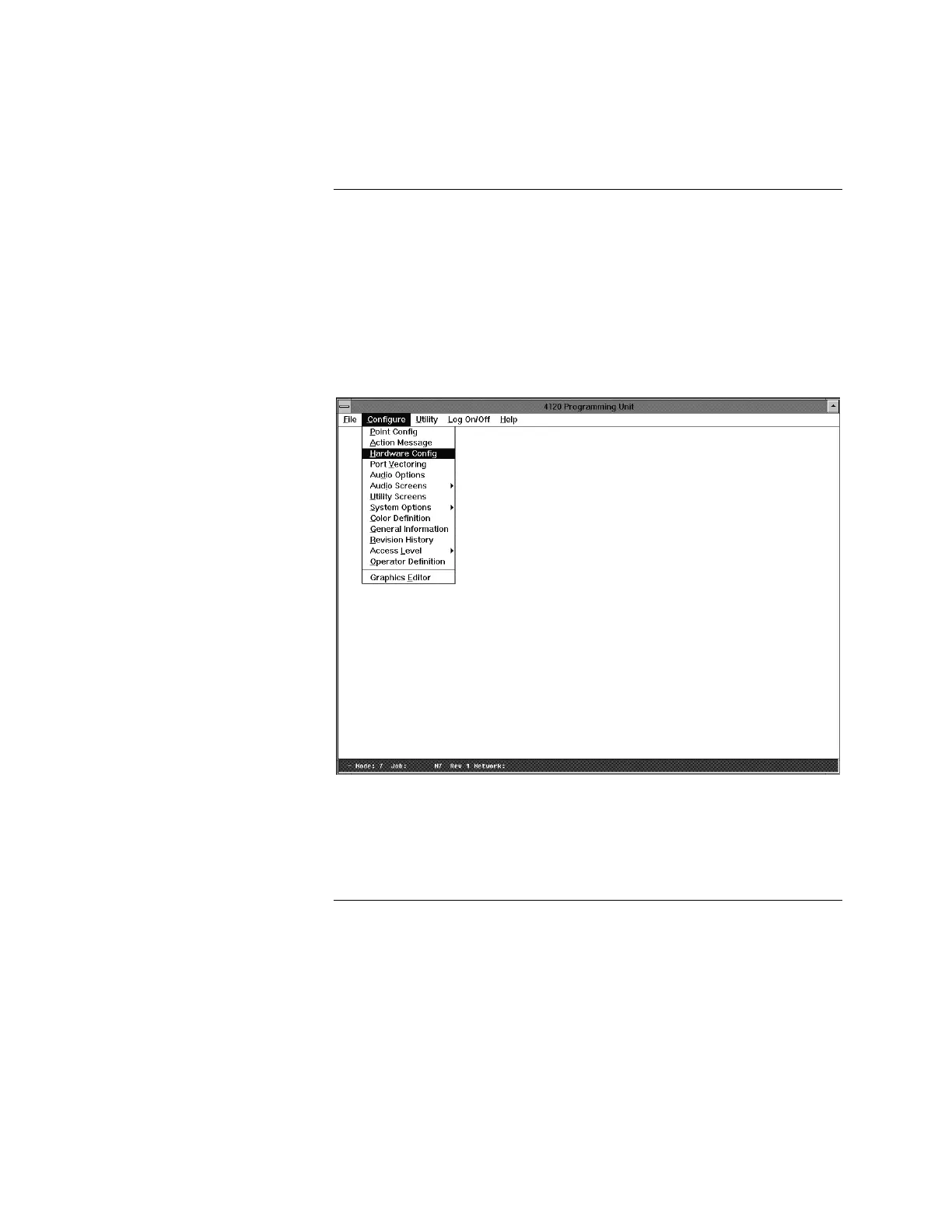
1. In Windows Program Manager, select the 4120 Programming icon. The
system displays the 4120 Programming Unit screen shown in Figure 3-7.
Figure 3-7. 4120 Programming Unit Screen
2. From the Configure menu, select the Hardware Config option. The system
displays the Hardware Configuration screen shown in Figure 3-8.
Continued on next page
Configuring the Computer Ports
Port Configuration Procedure



 To Next Page