3-14
10. Select Yes to add a Windows start command to the AUTOEXEC.BAT file
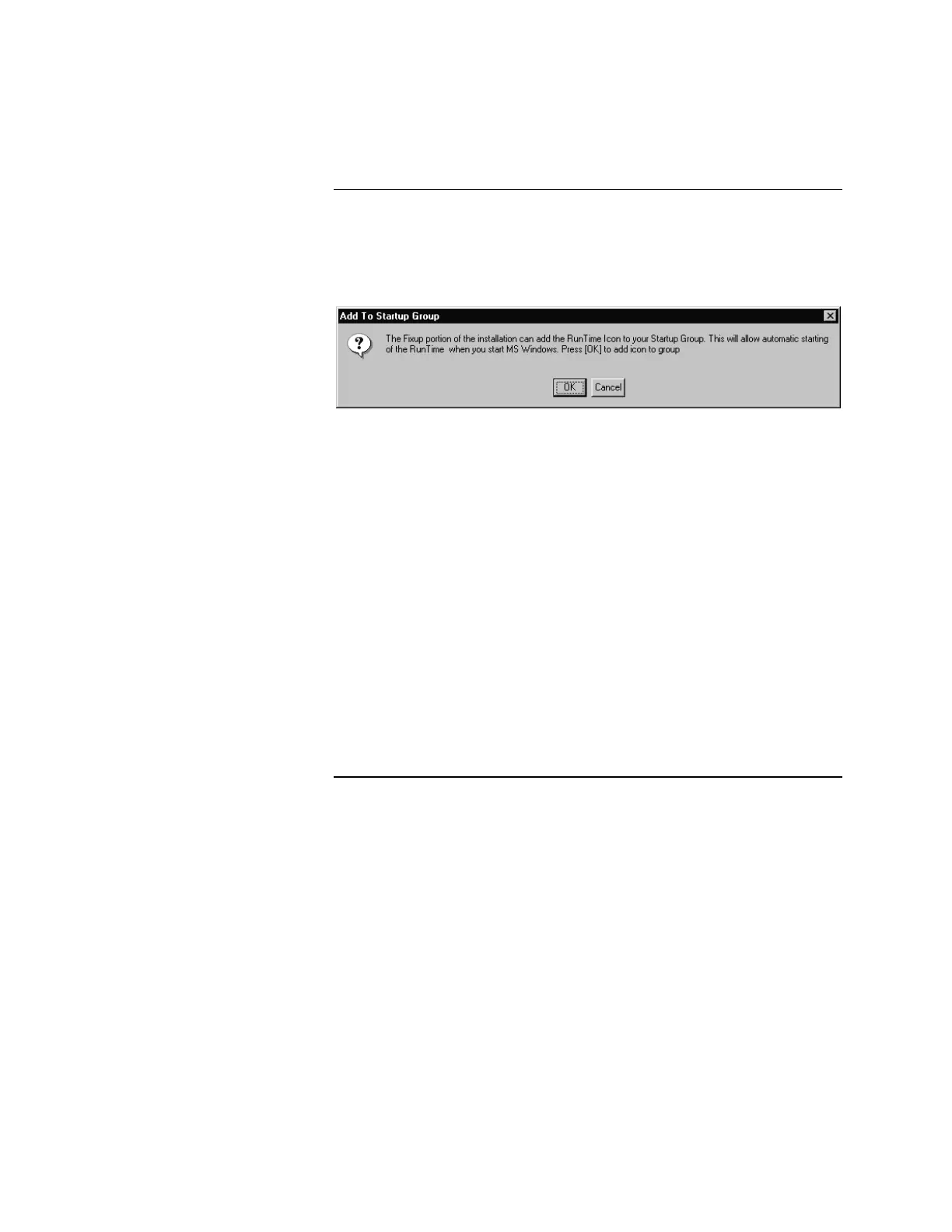
so the 4190 RunTime software starts automatically at system startup. Select
No to bypass this option. If you choose Yes, the system displays the dialog
shown in Figure 3-6.
Figure 3-6. Add to Startup Group Dialog
11. Select OK to add the Runtime Icon to the group. The system displays the
Fixup completion dialog.
12. Select OK to complete the installation. If there is a README.DOC in the
directory, be sure to read it for any last-minute updates to the software.
13. Remove the diskette from the drive and store both installation diskettes in a
safe place for future use.
14. After completing the Windows 95 installation, restart the computer by
choosing Shutdown from the Start menu.
After completing the Windows 3.1 installation, return to the Windows
Program Manager and select the File Exit Windows menu options. When
the C:> prompt displays, restart your PC in order for the changes to take
effect.
15. To prevent the GCC from starting, hold down the shift key when starting
Windows.
Installing the Software, Continued
(Applies to Both Windows 3.1
and Windows 95 systems
except where noted)
(Continued)



 To Next Page