3-13
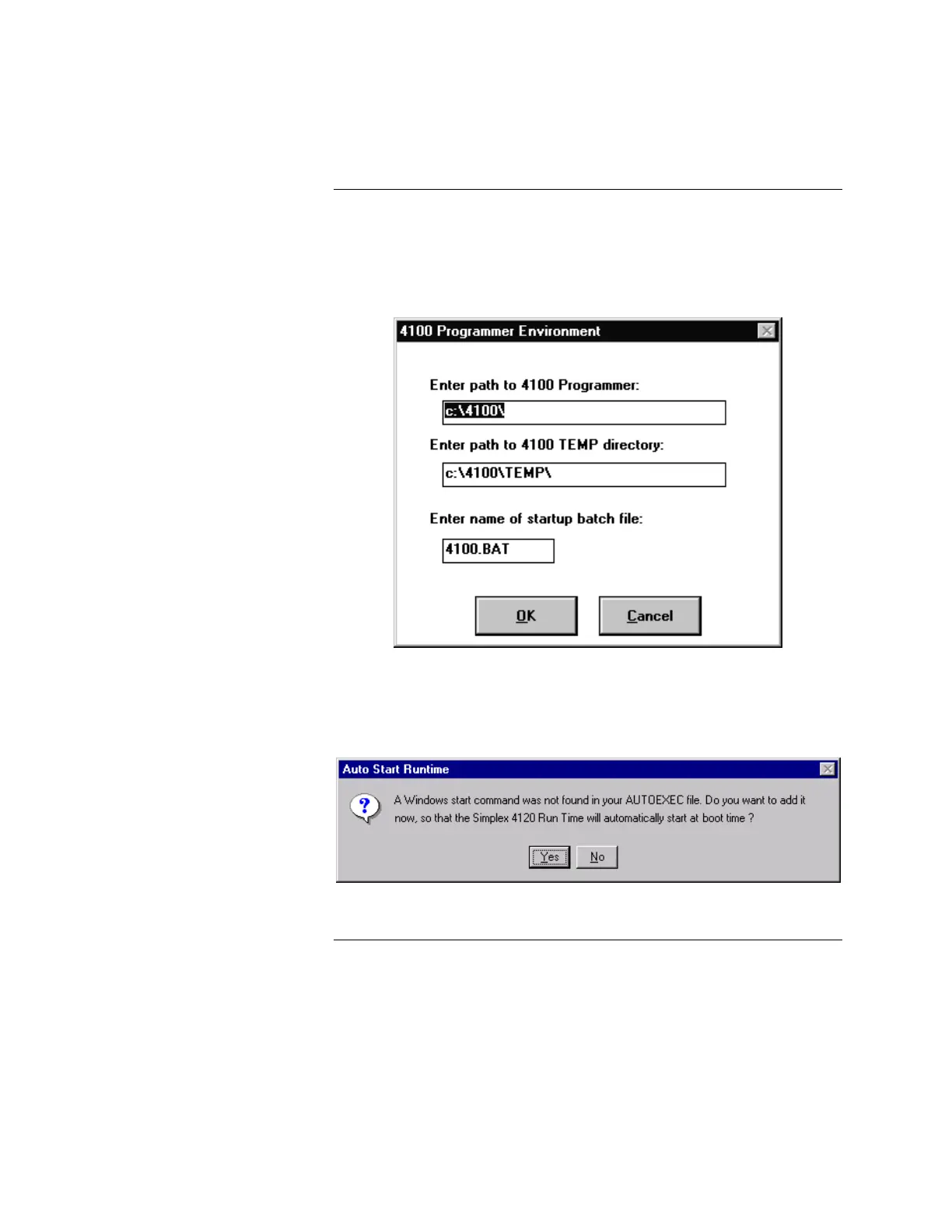
8. Select RUNTIME NODE, then select OK. The system displays the dialog
shown in Figure 3-4.
Note: The RUNTIME NODE option is factory-installed.
Figure 3-4. 4100 Programmer Environment Dialog
9. Enter the path to the 4100 Programmer on the first line, followed by the path
to the 4100 TEMP directory on the second line, then select OK. The system
displays the dialog shown in Figure 3-5.
Figure 3-5. Auto Start Runtime Dialog
Continued on next page
Installing the Software, Continued
(Applies to Both Windows 3.1
and Windows 95 systems
except where noted)
(Continued)



 To Next Page