6-9
This section explains how to install the 565-694 Network Interface Card (Wired)
or the 565-695 Network Interface Card (Modular).
You can install up to four Network Interface Cards into one PC to support a
multi-network configuration. Each Network Interface Card can support one
network containing up to 98 nodes. A GCC/NPU can support up to four
networks consisting of up to 392 nodes. Ensure that the jumpers are set to the
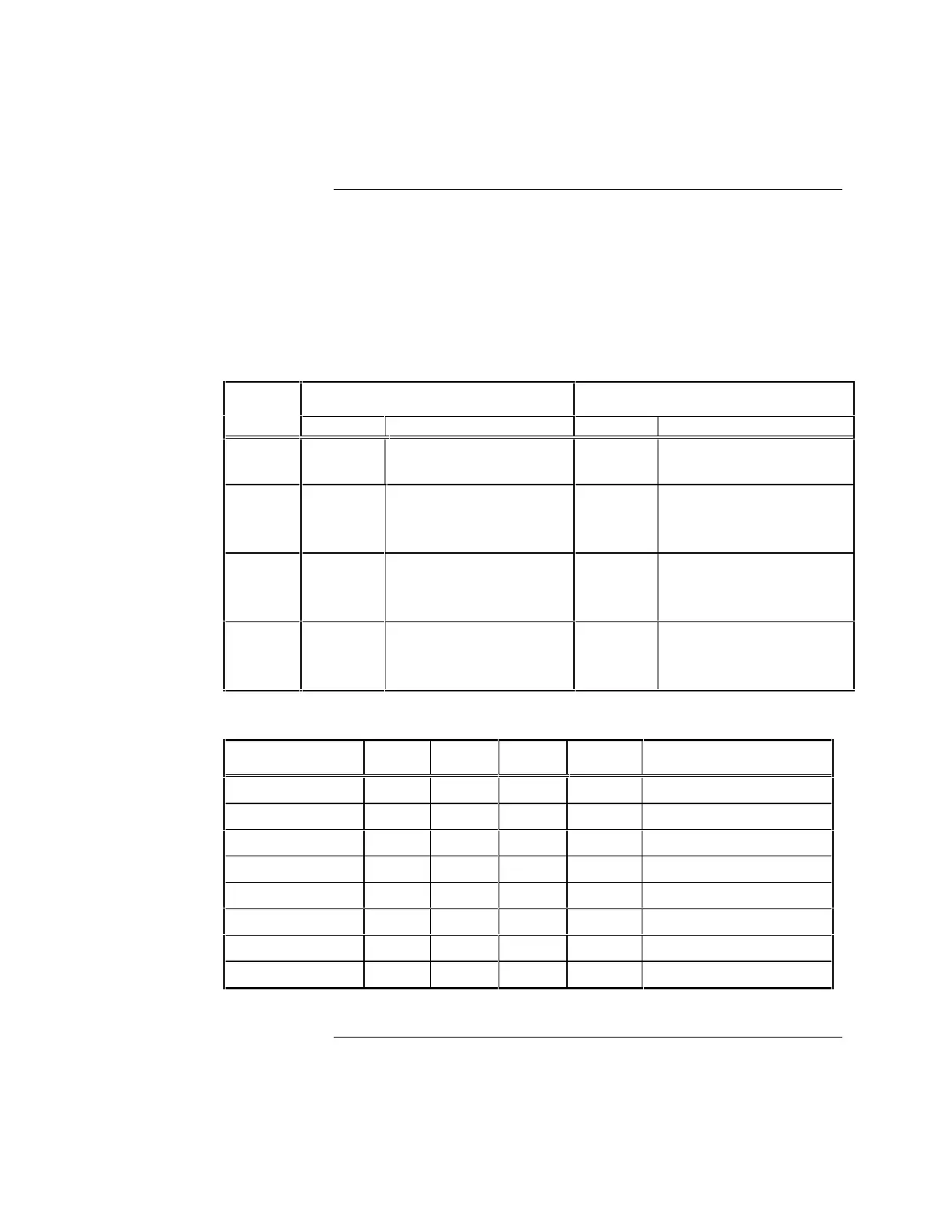
positions listed in Tables 6-10 and 6-11 for each network card used.
Table 6-10. Network Interface Card Jumper Positions
Jumper 565-694
& 695 Network Card 565-202 Network Card Function
Position Function Position Function
P1
––––– –––––
1-2
Enable Wired, Fiber
communication
P2
1-2
[default]
2-3
BAUD RATE:
57.6 KBPS (Wired)
9600 BPS (Modem)
1-2
[default]
2-3
BAUD RATE:
57.6 KBPS (Wired)
9600 BPS (Modem)
P3
1-2
[default]
2-3
PROTOCOL:
9-Bit (Wired)
8-Bit (Modem)
1-2
Enable Wired, Fiber
communication
P6
––––– –––––
1-2
2-3
PROTOCOL:
9-Bit (Wired)
8-Bit (Modem)
Table 6-11. Network Interface Card Setting Card Number Via SW2
Address Range SW2-4 SW2-3 SW2-2 SW2-1 Device
200 - 207 OFF OFF OFF OFF Not Used
2B0-2B7 OFF OFF OFF ON Network Card #1 (Default)
2B8-2BF OFF OFF ON OFF Network Card Repeater* #2
2C0-2C7 OFF OFF ON ON Network Card Repeater* #3
2C8-2CF OFF ON OFF OFF Network Card Repeater* #4
2D0-2D7 OFF ON OFF ON TBD
300-307 OFF ON ON OFF TBD
308-30F OFF ON ON ON TBD
*A Network Repeater card cannot serve as the network interface for point changes on the network.
Continued on next page
Interfacing with the 4120 Network
Network Interface Card



 To Next Page