Printer Installation
2-6
4. Loading Print Paper
The printer has trays with a capacity of 300 sheets.
If the tray 2 is added, capacity is increased to 1300 sheets.
For more information on capacity, supported size or type, see the table below.
Type Number of sheets Supported size Supported type
Tray 1 250 A4, A5, B5, folio, letter,
legal, executive
Standard paper, Thick paper
Tray 2 250 A4, A5, B5, folio, letter,
legal, executive
Standard paper, Thick paper
Multipurpose Tray 50 Paper size between
76.2X127mm(3x5inch) min.
216X355.6mm (8.5x14inch)
max.
Standard paper, Label paper,
Envelope, Card stock
Loading on the Tray
Load paper on the default or optional tray in the following order.
Important
-
When you change paper for Tray 1, check if paper type and size have been changed
correctly in the driver.
1
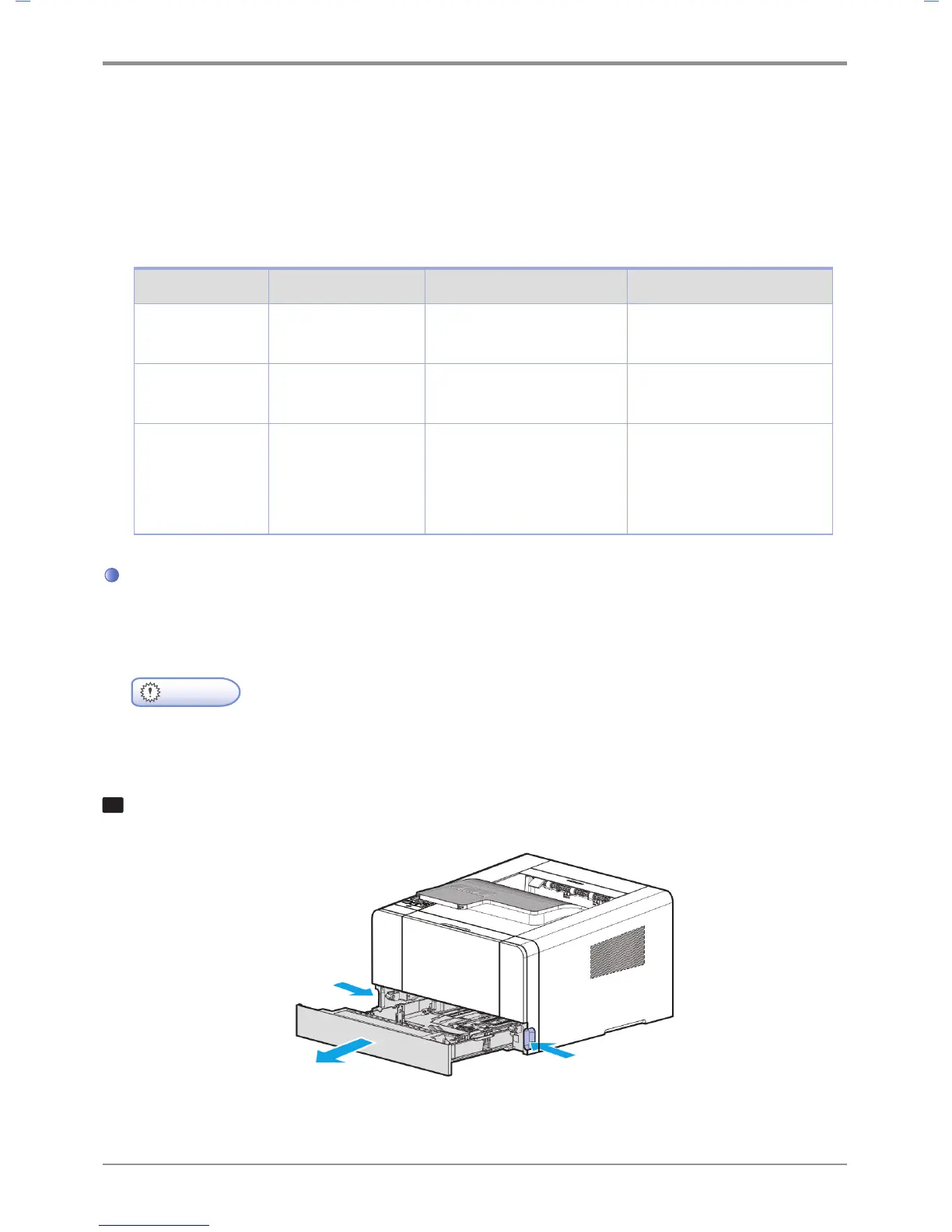
Remove the tray. (Handles for removing the tray are on either side of the tray)



 To Next Page