Printer Installation
2-16
7. Installing the Printer Driver
The printer driver is software that enables communication between the PC and printer.
In general, the printer software is installed during the initial setting of the printer. To install the software,
follow the Instructions below.
1
Close all open programs on your PC.
2
Insert the software and user manual CD.
3
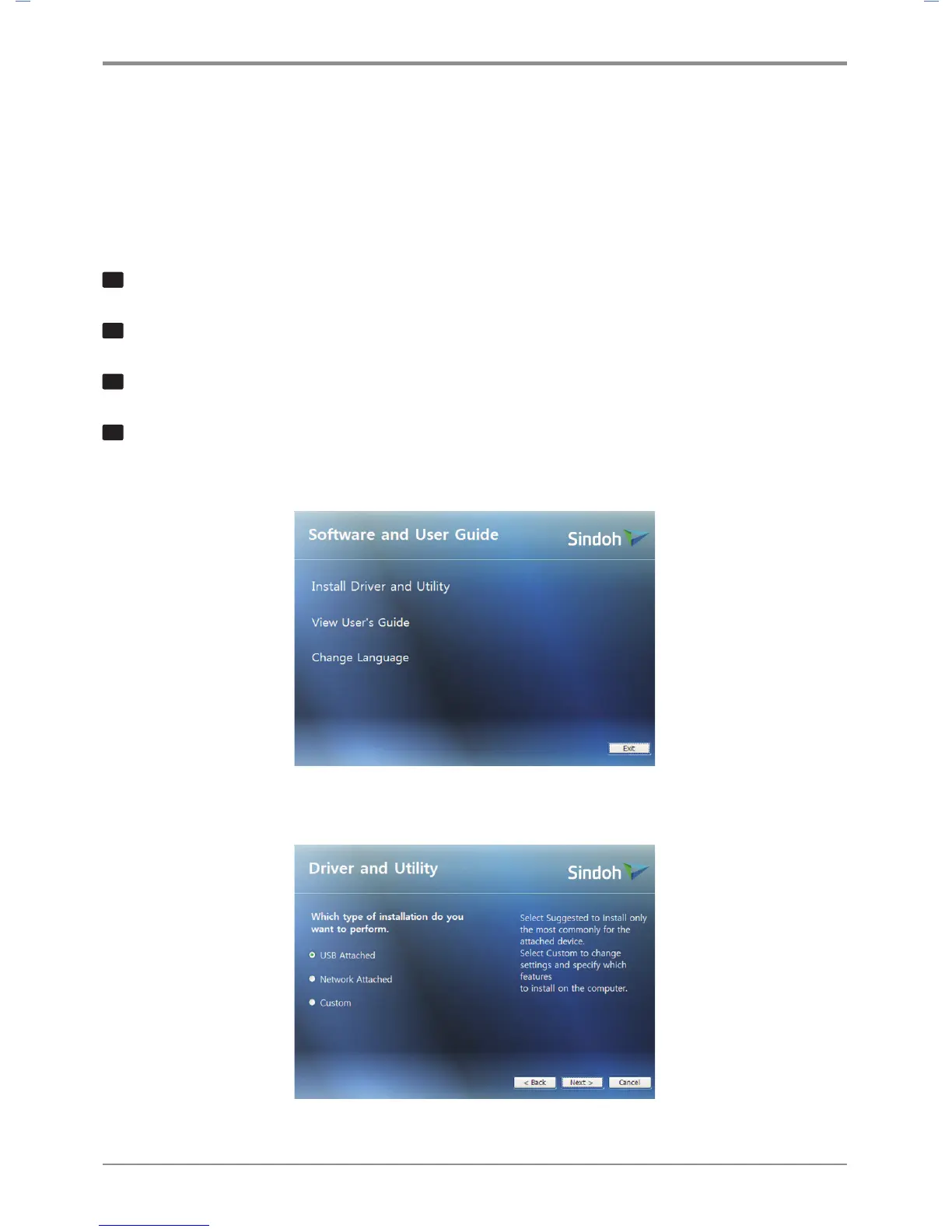
Click [Install] on the Basic installation window.
4
Follow instructions on the screen.
① In the Software and Manual menu, click [Install Driver and Software].
② Select the Installation type for driver and utility and click [Next >].



 To Next Page