Using the Printer
3-36
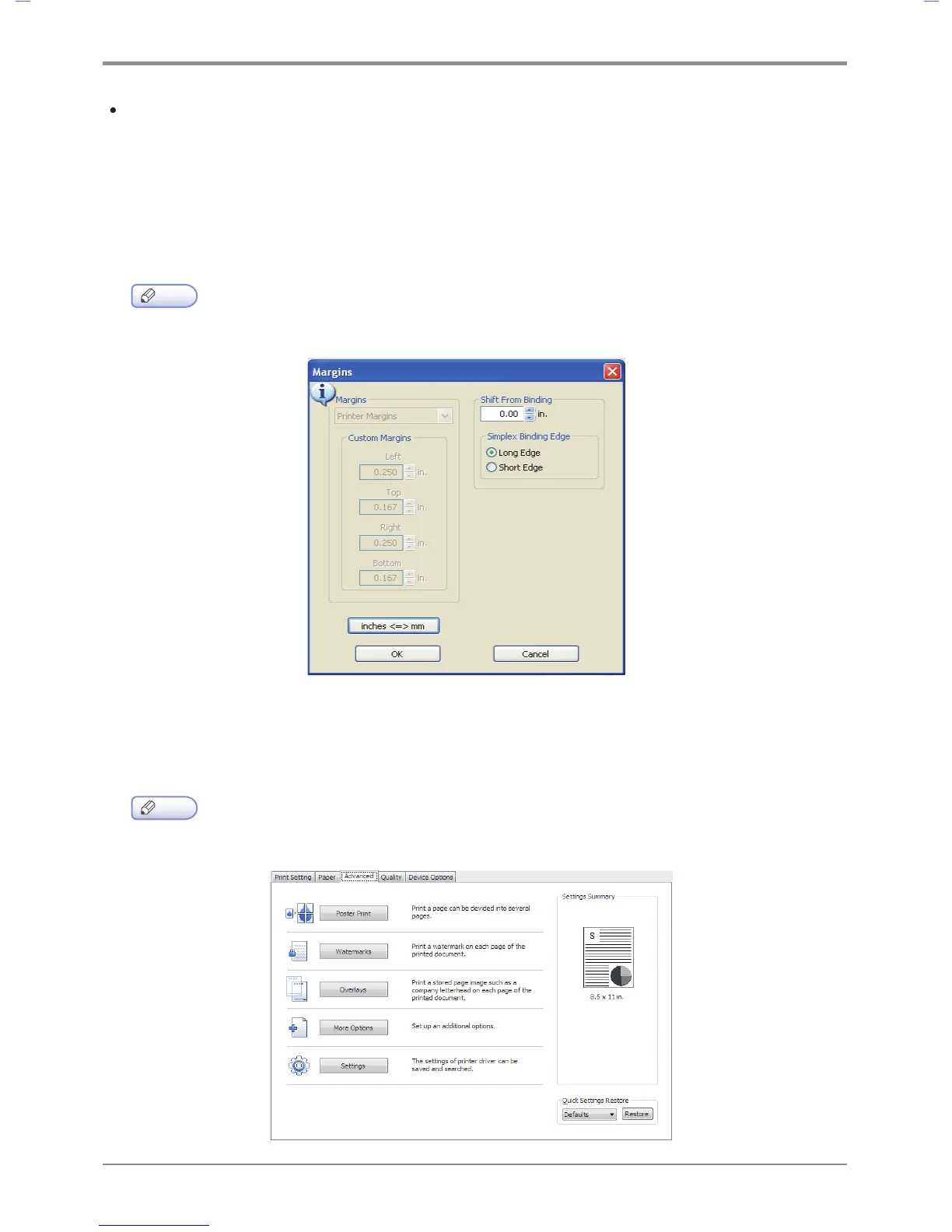
Margin
- You can modify the minimum margin. To use the default margin, select “Printer Margin”.
To use the margin of your choice, select “Custom Margin”. A custom margin cannot be smaller than
the default margin. You cannot use custom margins if 2-Booklet has been selected in “Pages per Sheet”.
- The custom margin cannot be modified for the document to be printed. You can only make modifications
in Default Print Settings in Printer & Fax folder.
Note
-
Margin function is supported from the PCL5e/6, PS3 driver
Advanced Tab
“Poster Print”, “Watermark”, “Overlay”, “More Options” and “Settings” are available.
To change the following print settings, open Default Print Settings page and click Advanced Tab.
Note
-
Margin function is supported from the PCL5e/6, PS3 driver



 To Next Page