Using the Printer
3-44
Description
Reduce Spool Size: The spool size of the image driver is reduced by compression.
Mirror Image: You can print a reverse version of the original as though looking into the mirror.
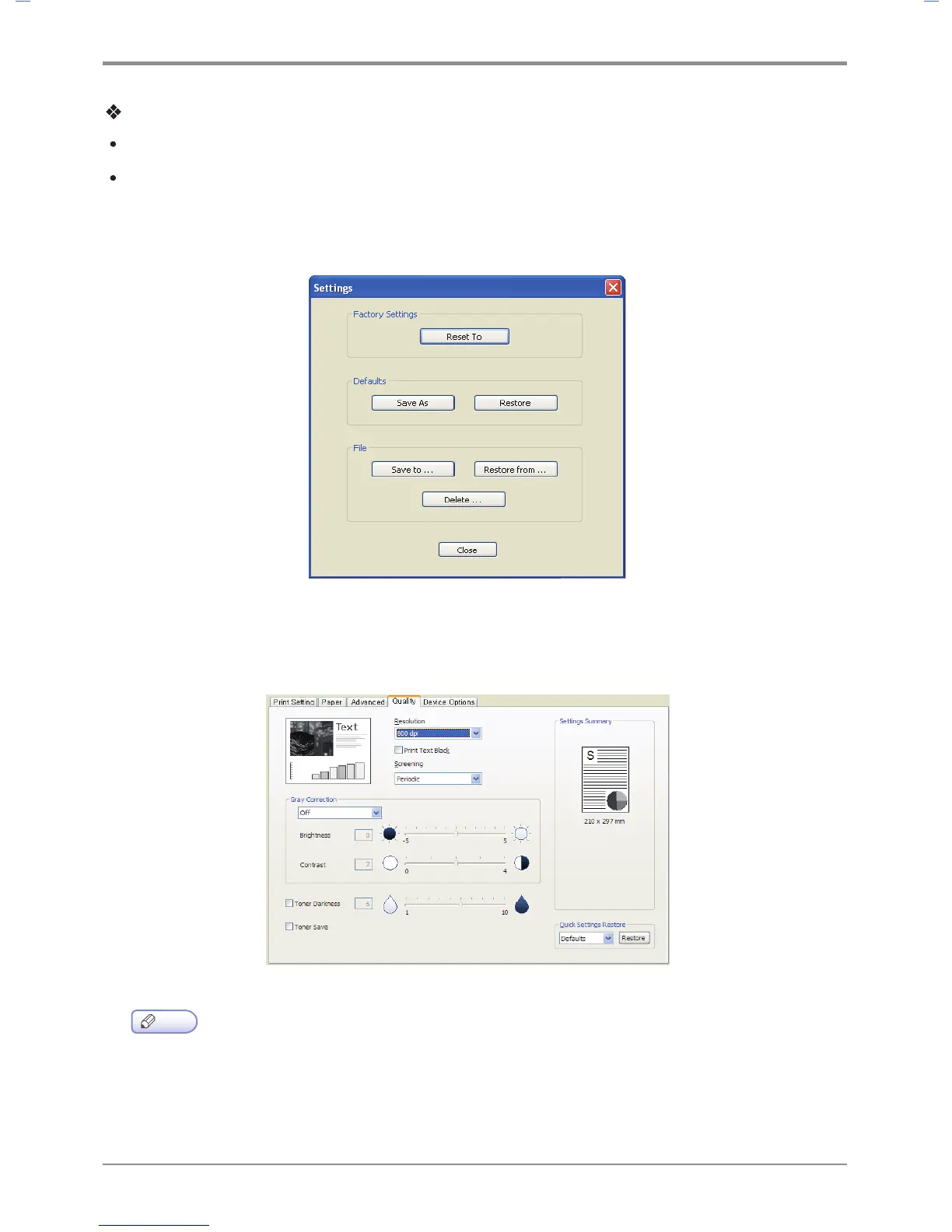
Settings
You can save current settings, restore previous settings, or reset to the default settings.
Print Quality Tab
Available options are “Resolution”, “Print Text Black”, “Gray Correction”, “Toner Darkness”,
“Save Toner”. To change below print settings, open Default Print Setting and click the print quality tab.
Note
-
Gray Correction function is supported from SDAPL driver.



 To Next Page