Using the Printer
3-29
Collate
- Check to print one set. Generally, if you are making two copies of three pages, 2 copies of page 1, 2
copies of page 2, and 2 copies of page 3 will be printed. If you select Collate, Pages 1, 2, 3 will be
printed and pages 1, 2, 3 will be Printed. The application precedes this setting and can provide this
function.
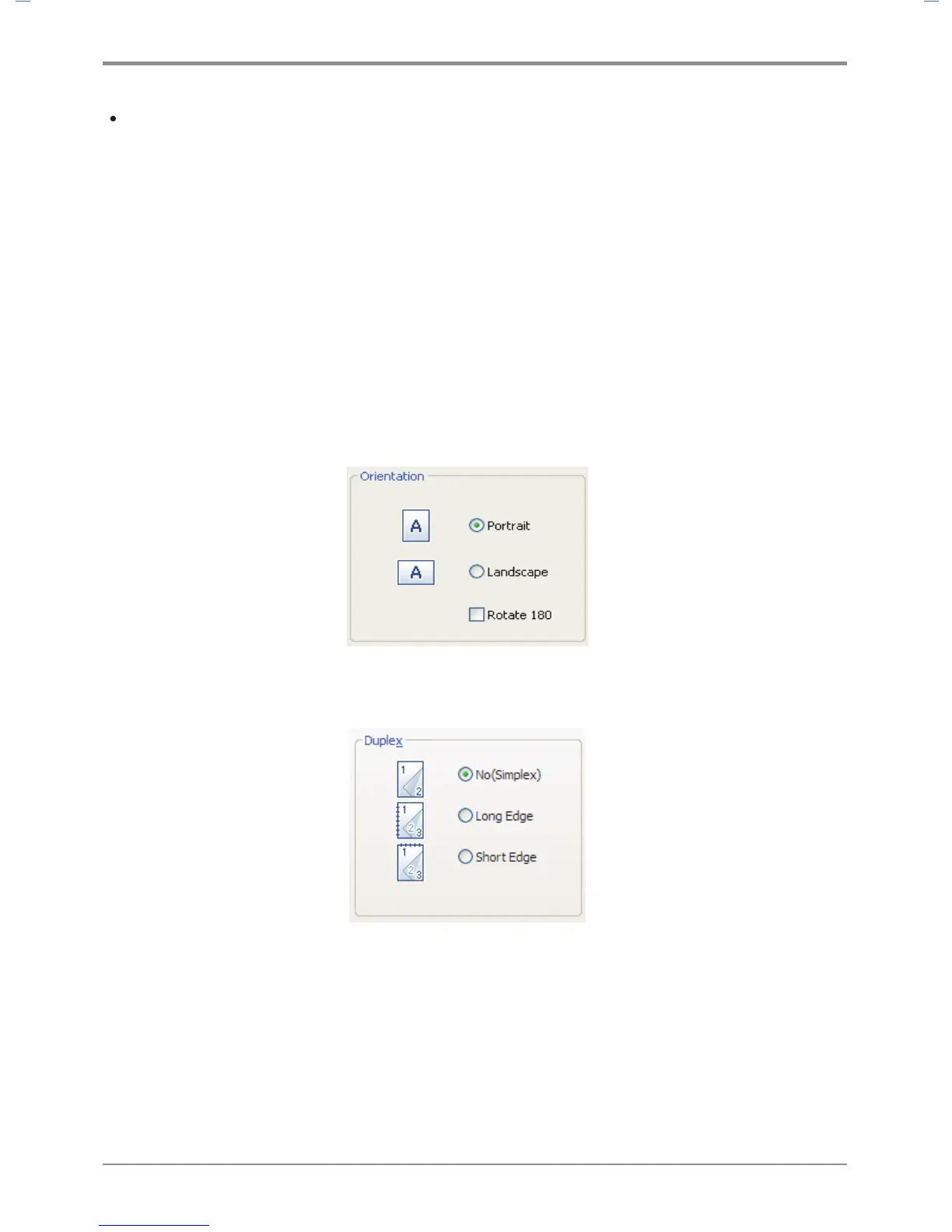
Print Orientation
You can set paper orientation. In “Portrait” mode, pages are printed with the short side facing the top.
In “Landscape” mode, the long side of the paper faces the top. Most applications provide “Page Setting” for
setting paper orientation, which precedes this setting. You can select “180 rotation” to rotate the page by 180
degrees if necessary. To change the following print setting, open the default print setting window and select
the print setting tab.
You can print on both sides of the paper. Select the binding direction of the paper before printing.



 To Next Page