Printer Installation
2-12
5. Installing Optional Tray 2
This printer supports optional tray 2 (250 sheets/ 500 sheets).
The optional tray 2 consists of support and tray.
Warning
-
To install the optional tray 2 after installing the printer, check if the printer is switched off,
power cord is unplugged and all cables are disconnected.
1
Remove all packing materials and tapes.
2
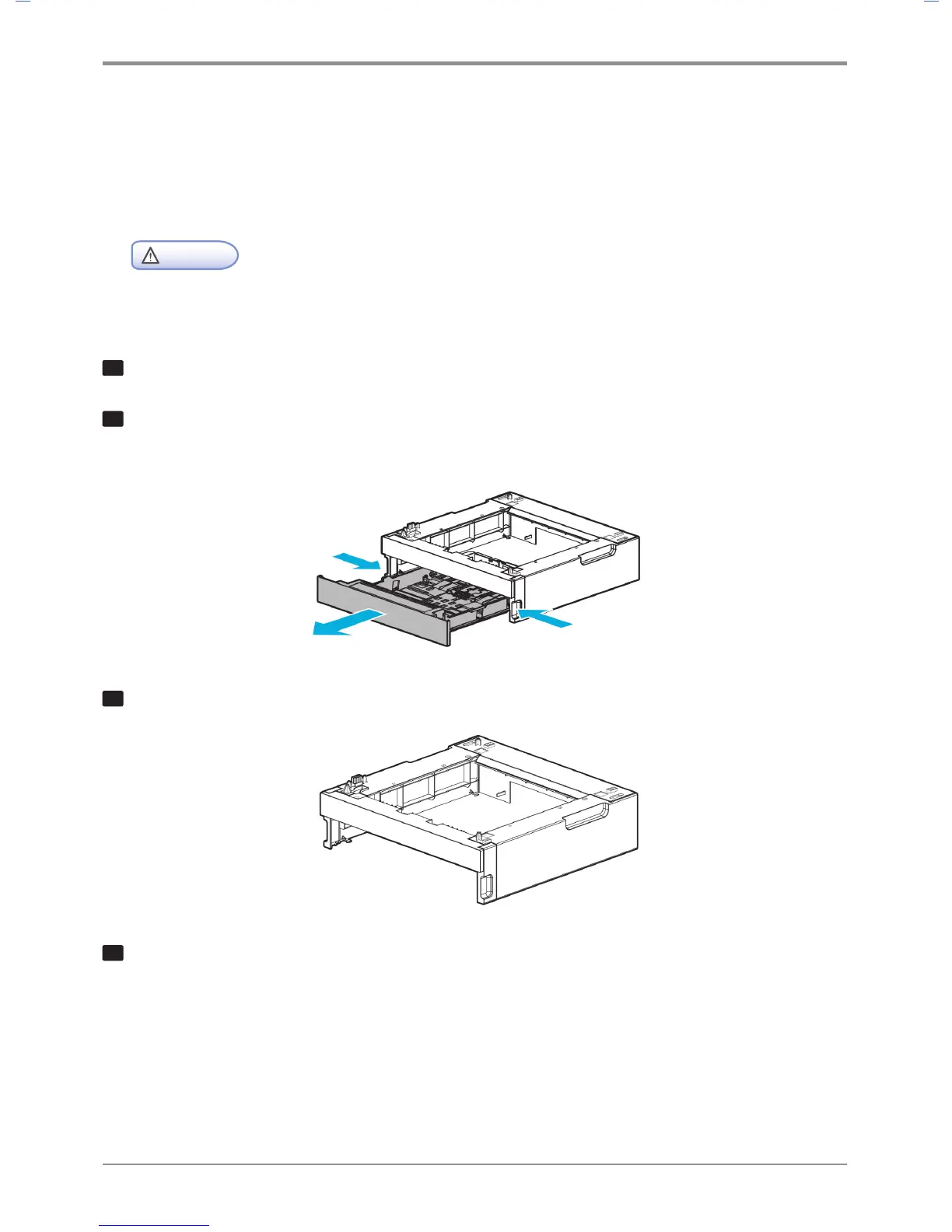
Pull tray 2 out. (Handles for pulling out the tray are on either side of the tray)
3
Hold both ends of the support and put it in a place where the printer will be located.
4
Push back the tray until if perfectly fits into the support.



 To Next Page