Using the Printer
3-28
Using Advanced Tab Functions
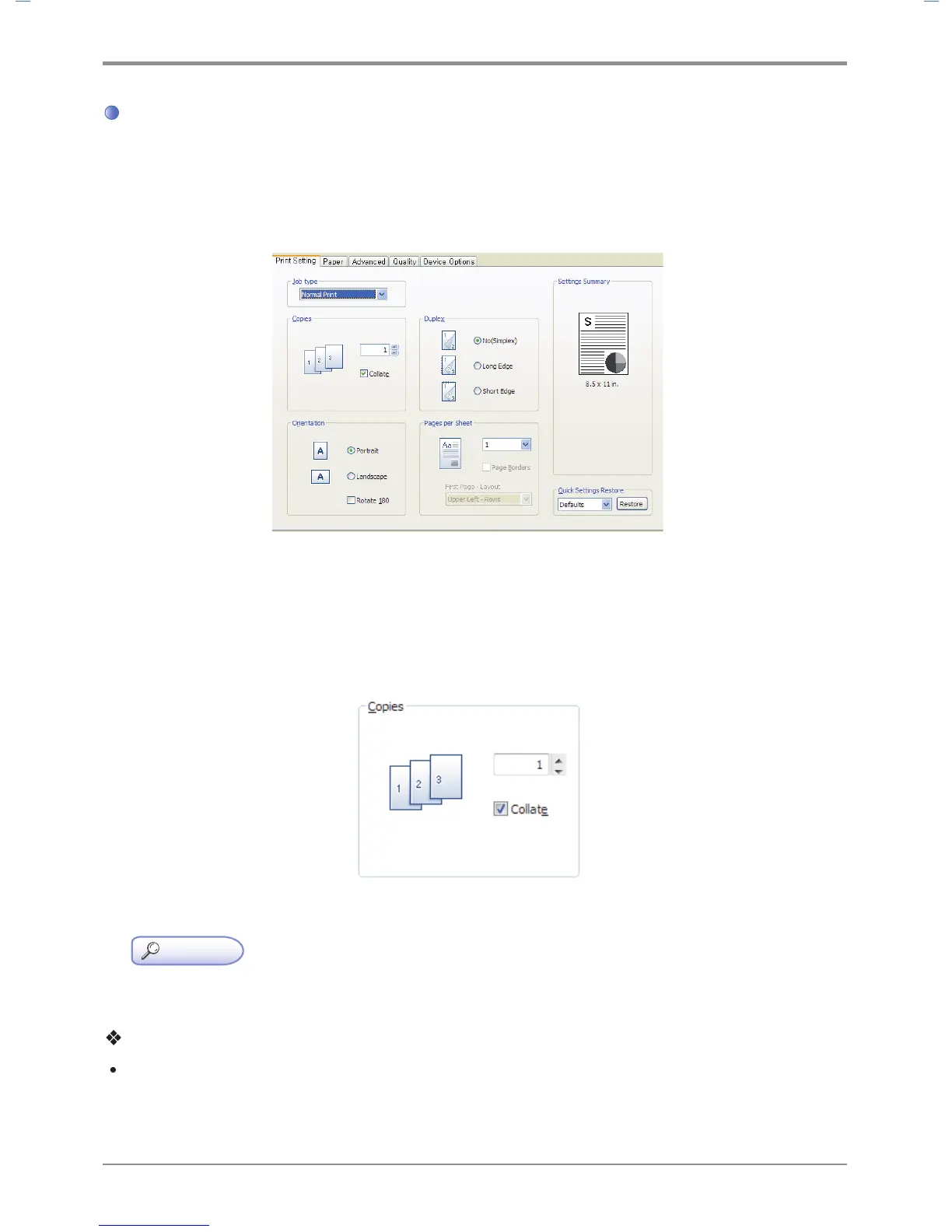
Functions in the Print Setting Tab
Available functions are “Job Type”, “Copies”, “Orientation”, “2 - Booklet” and “Pages per Sheet”.
Open the Default Print Setting window to select the print setting tab to change print settings.
(PS3, PCL5e/6 Printer Driver)
Copies
The driver allows you to print multiple copies. Also, it is possible to collate multiple copies into sets.
In sequence open the default print setting window to select the print setting tab to change below print settings.
(PS3, PCL5e/6 Printer Driver)
Reference
- For the printer models applicable for a specific driver, see the descriptions of the emulation in p. 1-2.
Description
Copies
- You can enter the number of copies you want Adjust using up/down arrows.



 To Next Page