Using the Printer
3-30
Instructions
1
Select orientation.
Image Orientation Description
1 Side Print Print on one side(general).
Portrait Typically used for books.(Turn pages by the long side)
Landscape Layout used for calendars
2
Click the paper tab to select paper size, source and type.
3
Click OK or Print before exiting the window.
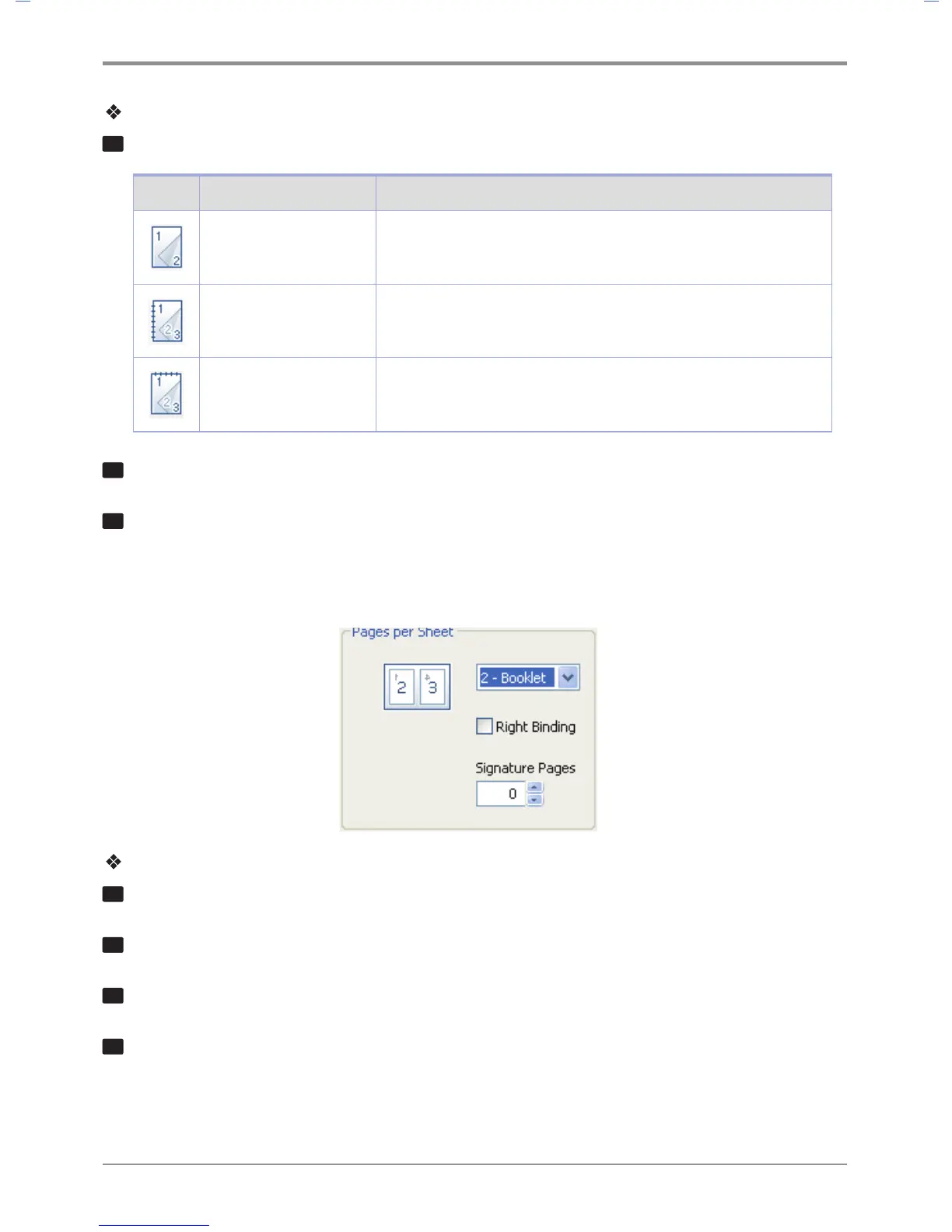
2-Booklet Printing
With this function, you can do duplex(2-sided) printing and then bind printed pages into a book.
How to Use
1
Select 2-Booklet in the Pages per Sheet.
2
Click the paper tab to select paper size, paper source and paper type.
3
Click OK or Print before exiting the window.
4
Fold paper in half and bind it.(You can cut paper in half and bind it.)



 To Next Page