Using the Printer
3-43
Using an Overlay
- Open the file where the overlay will be applied.
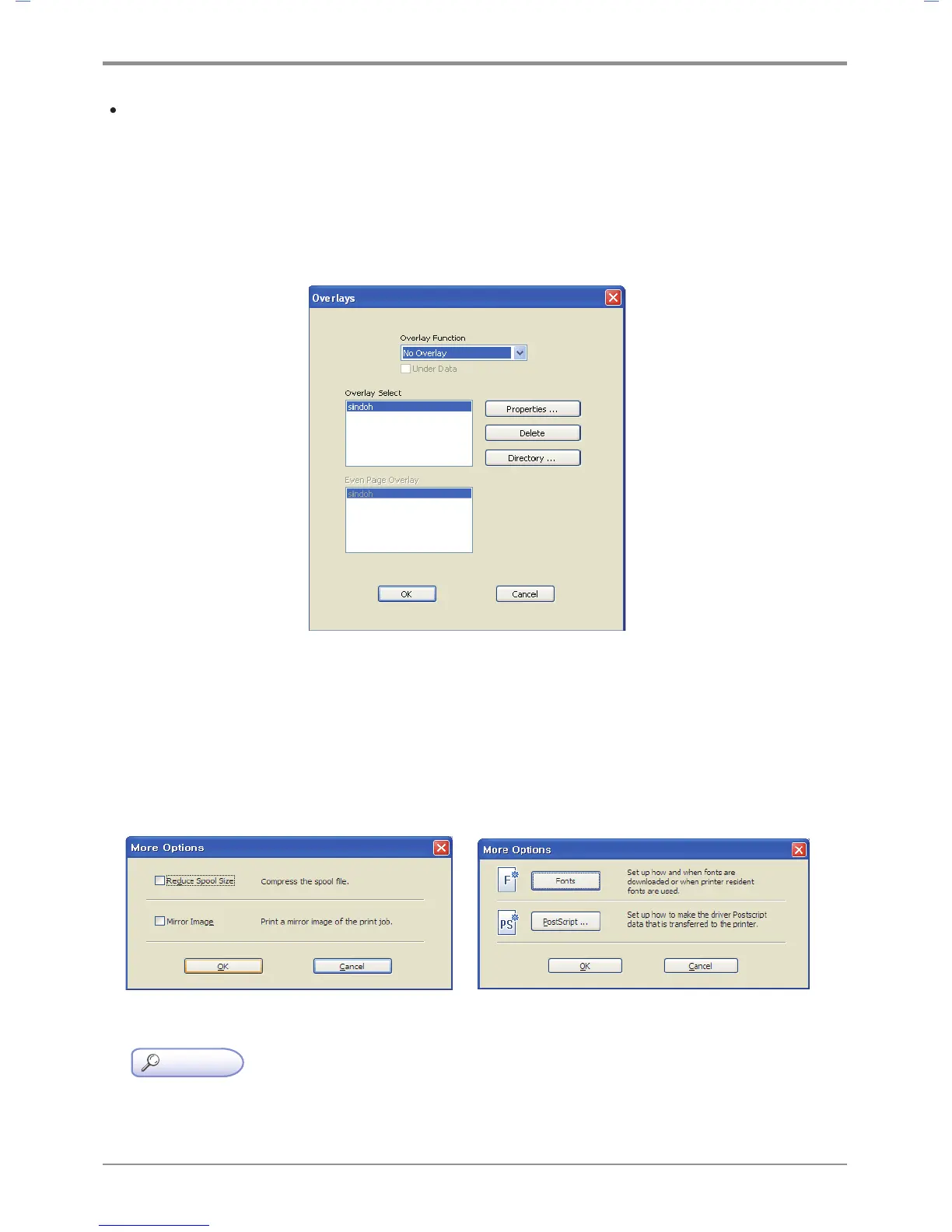
- Open the overlay function to see the created overlay.
- Select an overlay in ‘Select Overlay’ and click OK. In Properties, you can see overlay properties,
delete an overlay and see the saved location. You can select a different overlay for each page
if you have more than two overlays.
- Click OK or Print before exiting the print screen.
More Options
You can open the window for more options:
“Fonts” for the PDL driver, “PostScript” for the PostScript driver, “Mirror Print” for the image driver, and
“Reduce Spool Size” for the image driver.
(SDAPL Printer Driver) (PS3, PCL5e/6 Printer Driver)
Reference
- To see which devices can be used for your printer driver, read Emulation on p. 1-2.



 To Next Page