Using the Printer
3-42
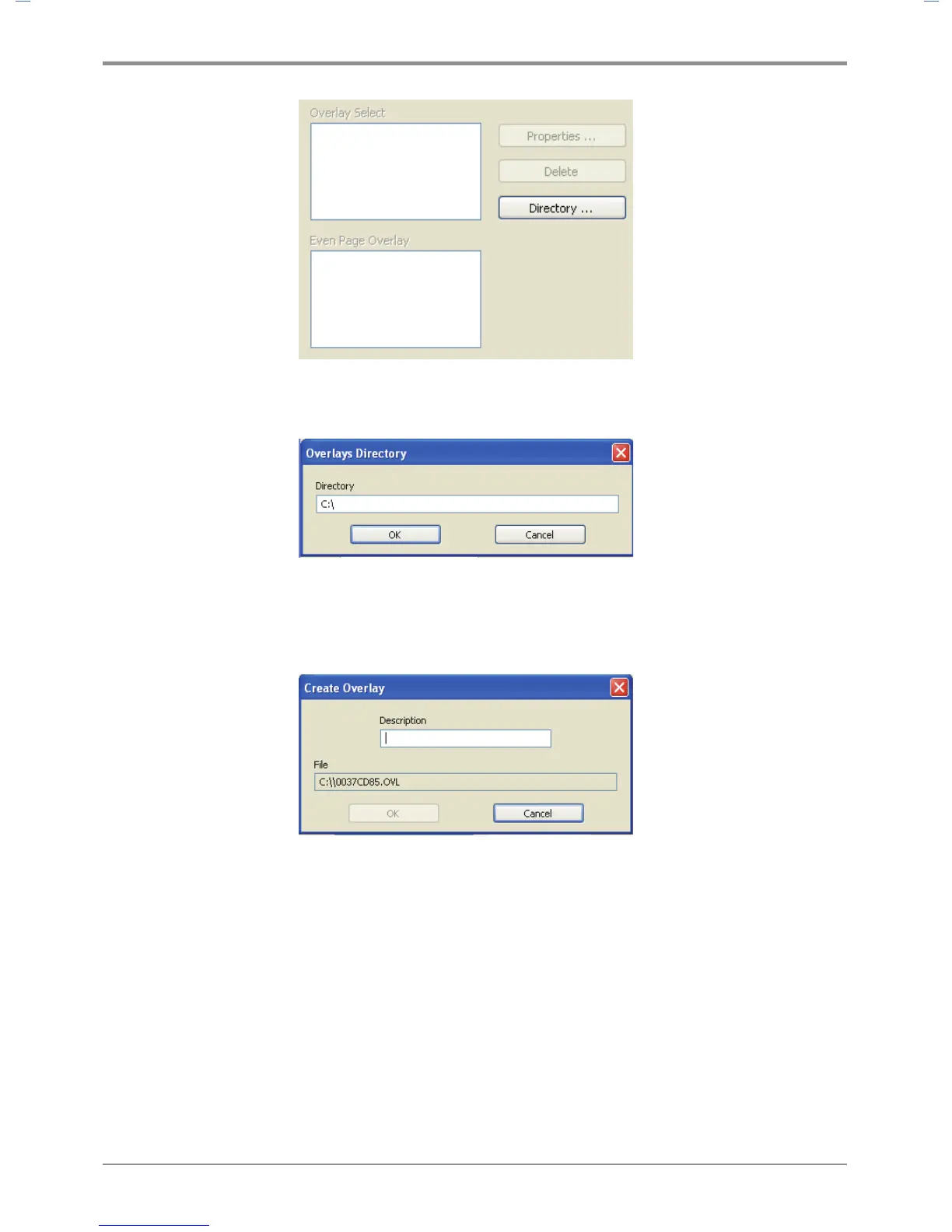
- Overlay Directory
(e.g. To save the overlay on Drive C, type in“C:\”. A new overlay will be created in C:\.)
- Click OK to open Create Overlay window. Type in overlay description in the Description field.
Check the name of the overlay file and click OK.
(e.g. The file name is 005AD859.OVL.)
- Print the overlay document.
- The overlay is printed on the corresponding location.



 To Next Page