Using the Printer
3-41
Overlay
You can save an overlay in your hard disk drive and paste on your document before printing.
An Overlay is used instead of a template paper. You can use an overlay same as a ready-made template.
Instead of loading template paper of your company, you can add an overlay to the document and print.
Note
-
Overlay function is supported from PCL5e/6, PS3 driver.
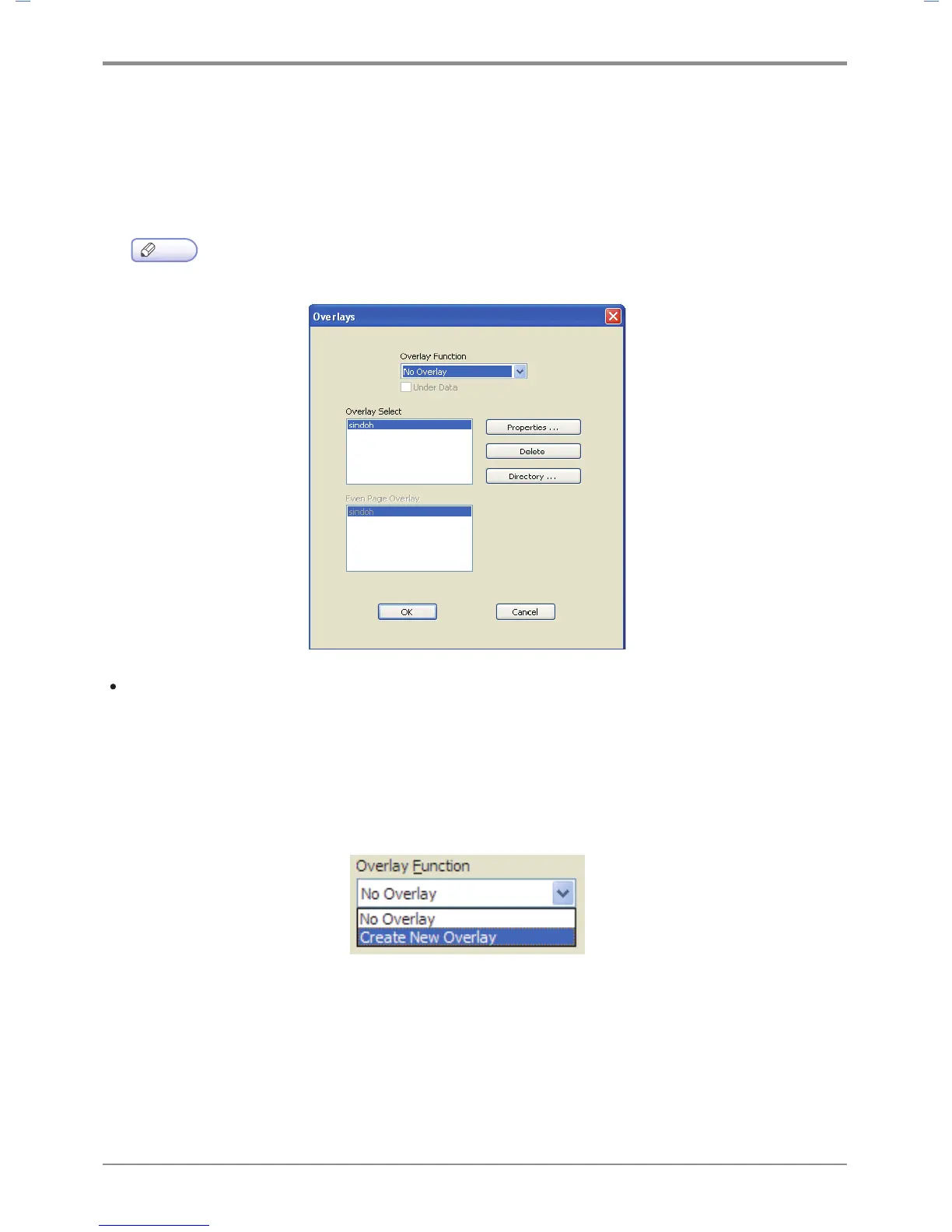
Create New Overlay: To use an overlay, create a new overlay with details you want to include.
- Open a file to be used as the overlay (document to be overlaid on the original).
- Open Default Print Setting to change print settings from the software application.
- Click the Advanced tab to select Overlay and select an item from the list.
- Click Overlay and select Create New Overlay.
- Click ‘Save to’ to select location and click Print.



 To Next Page