Using the Printer
3-40
Edit Watermark
- Click Edit in the “Available Watermark” list. Edit Watermark screen will appear.
(See the Watermark List screen.)
- Select a desired watermark from the watermark list and modify the message and options.
- Click Change to save changes.
- Click OK or Print before exiting the print screen.
Delete Watermark
- Select a desired watermark and click Delete from the watermark list.
(See the watermark list screen.)
- Click OK or Print before exiting the print screen.
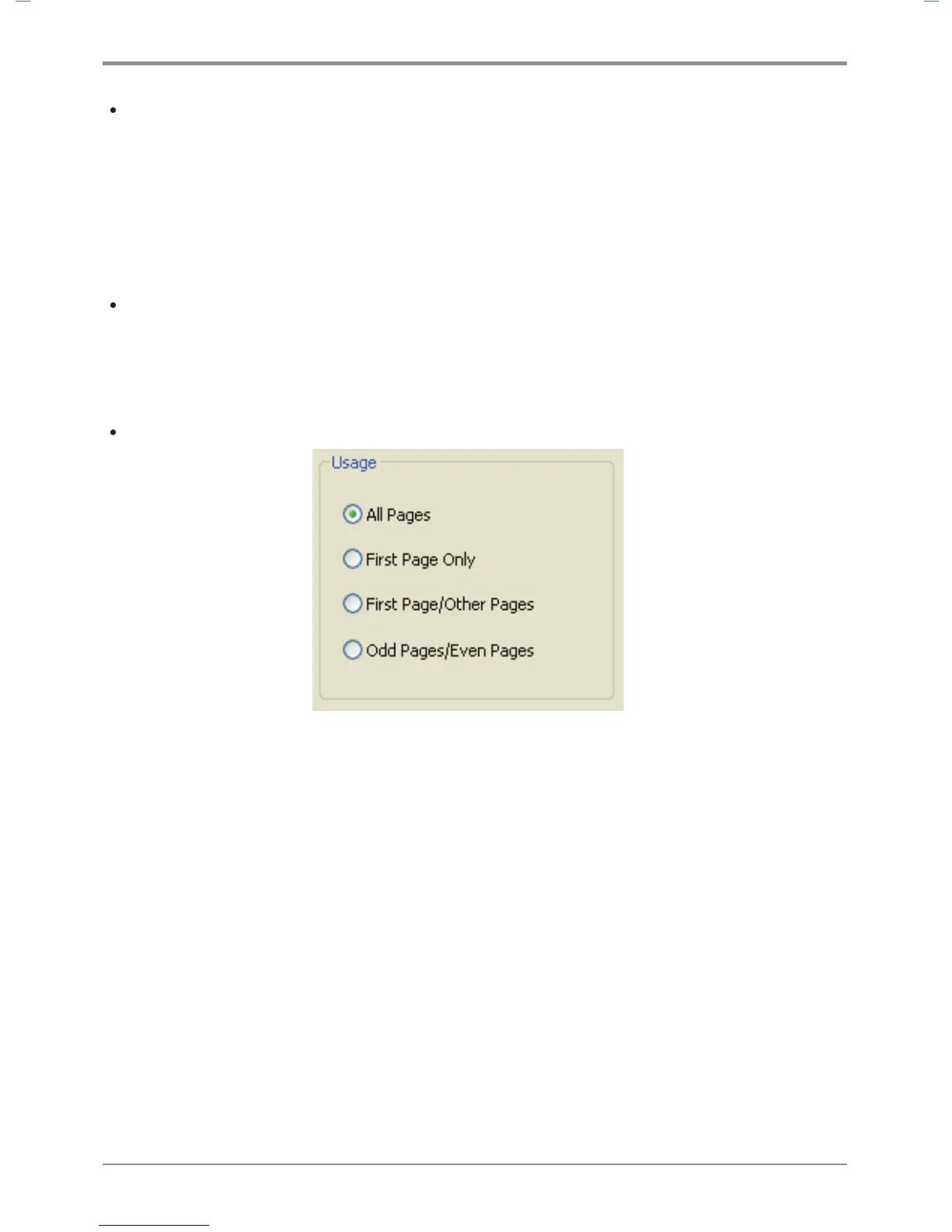
Select Apply Watermark
- All Pages: Apply the existing or newly-created watermark to all pages.
- First Page Only: Apply the existing or newly-created watermark to the first page only.
- First Page / Other Pages: Apply the existing or newly-created watermark to the first page and
other pages respectively.
- Odd No. Page / Even No. Page: Apply the existing or newly-created watermark to odd number
pages and even number pages respectively.



 To Next Page