Using the Printer
3-39
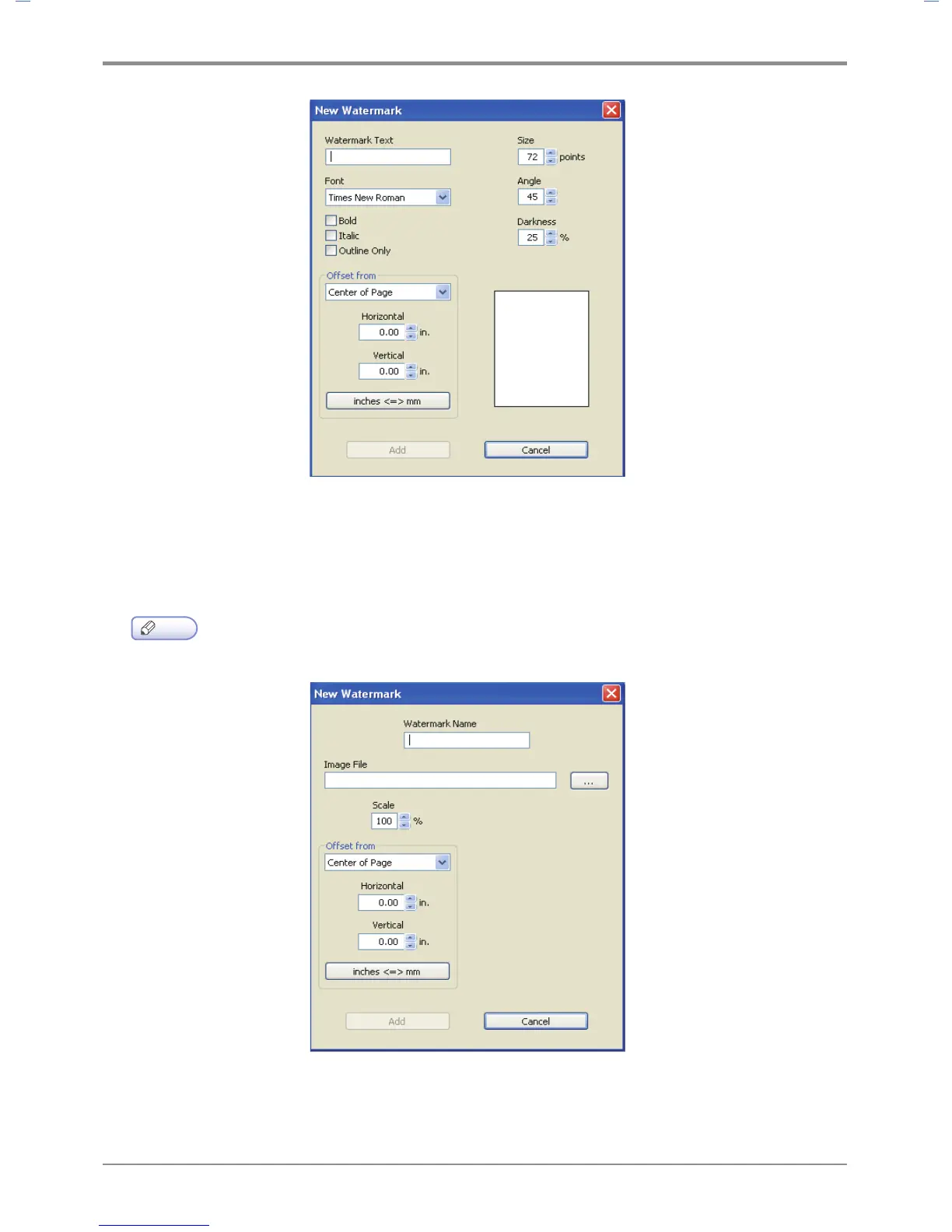
- Bitmap Image Watermark: You can enter the name of the watermark, insert a BMP image or adjust
the ratio. You can also adjust the offset starting point (Center, Tile, Top Left Corner, Top Center,
Top Right Corner, Right Side Center, Bottom Right Corner, Bottom Corner Center, Bottom Left Corner,
Left Side Center, Fit to Page) to create your bitmap image watermark.
Note
-
Bitmap Image Watermark function is supported from PCL5e/6, PS3 driver.
- Click Add to add the new watermark to the watermark list.
- Click OK or Print before exiting the print screen.



 To Next Page