Using the Printer
3-38
How to Use
Basic Watermark
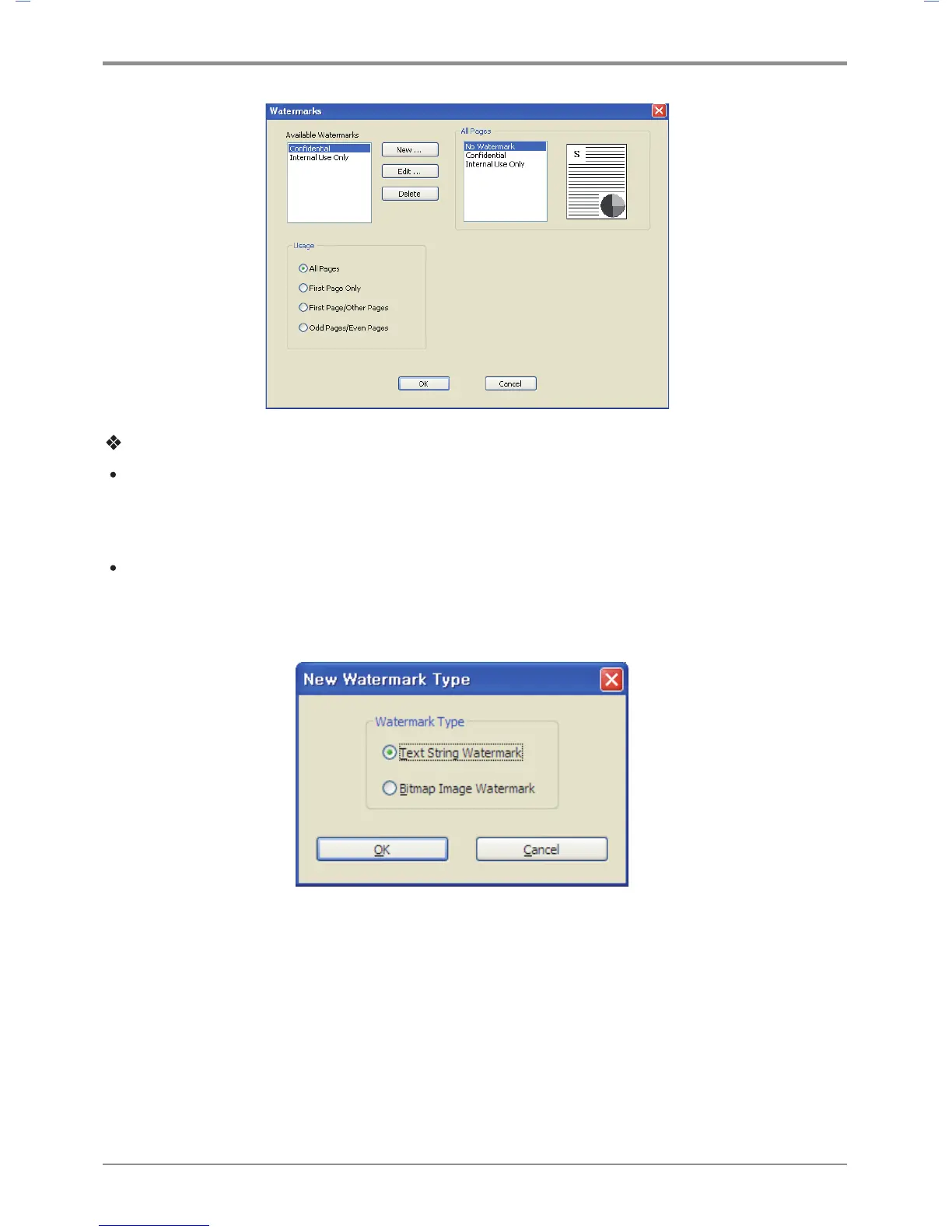
- Select a watermark from the list. You can see the watermark in Preview.
- Click OK or Print before exiting the print window
Custom Watermark
- Select Create New in the watermark list.
- The new watermark type window appears. Select Text Watermark or Bitmap Image Watermark.
- Text String Watermark: Type in your text in the message box.
You can enter up to 63 characters. Preview is available. You can also select options for the font
such as Bold, Italic, Print Outline Only, Size, Angle, Contrast, and Offset Starting Point.



 To Next Page