Printer Installation
2-8
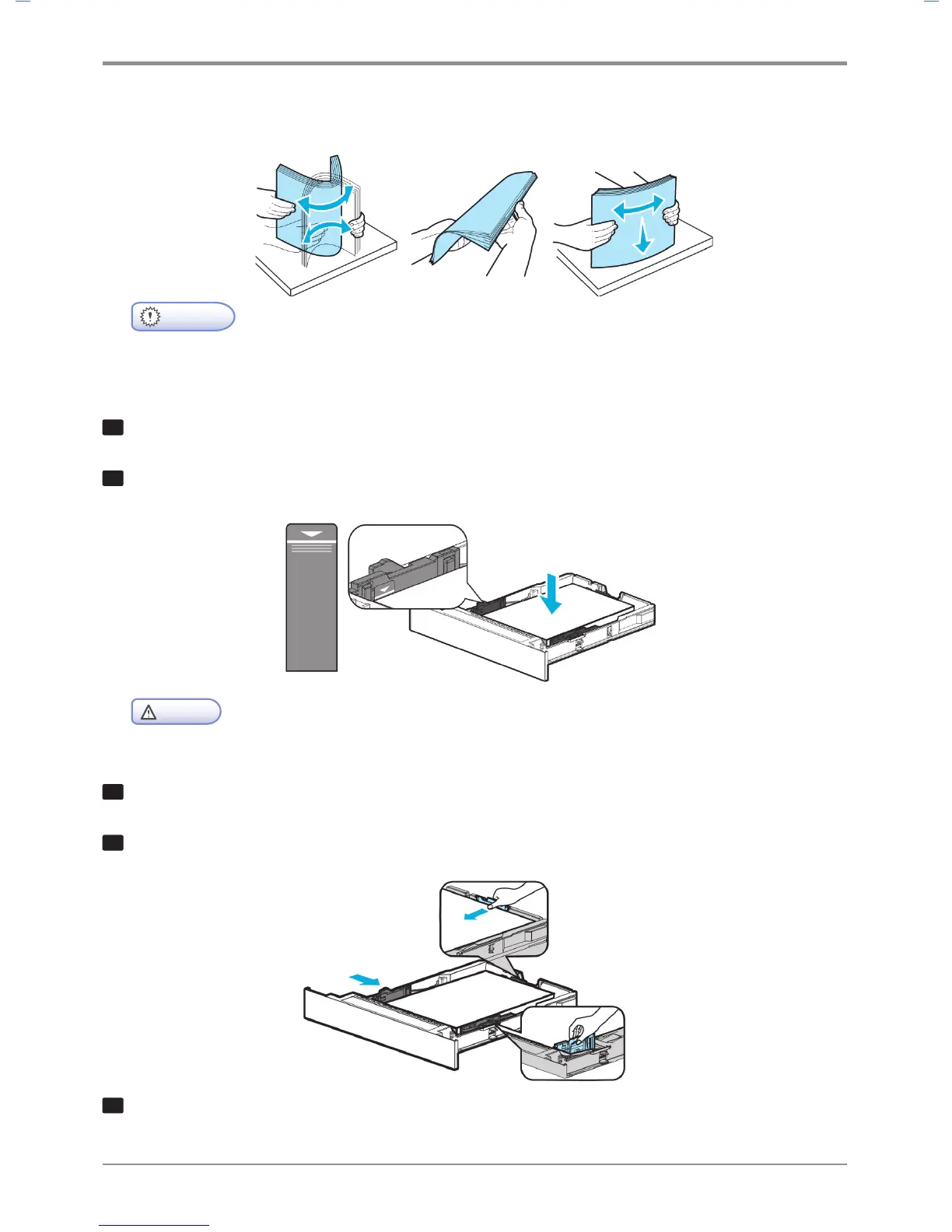
Load paper with its edges flat and in correct alignment.
Important
- Do not exceed the maximum height marked on the tray when loading paper.
This may cause paper jams.
6
Load paper up to the marked height.
7
Push paper to the front of the tray with the print side facing down.
Caution
- For label paper, thick paper and other paper smaller than A5, load it to the Thick mark.
8
Hold both width guide tab and width guide and push to the end of paper.
9
Hold both length guide tab and length guide and push to the end of paper.
1
0
Push in the tray all the way into the printer.



 To Next Page