Printer Installation
2-10
4
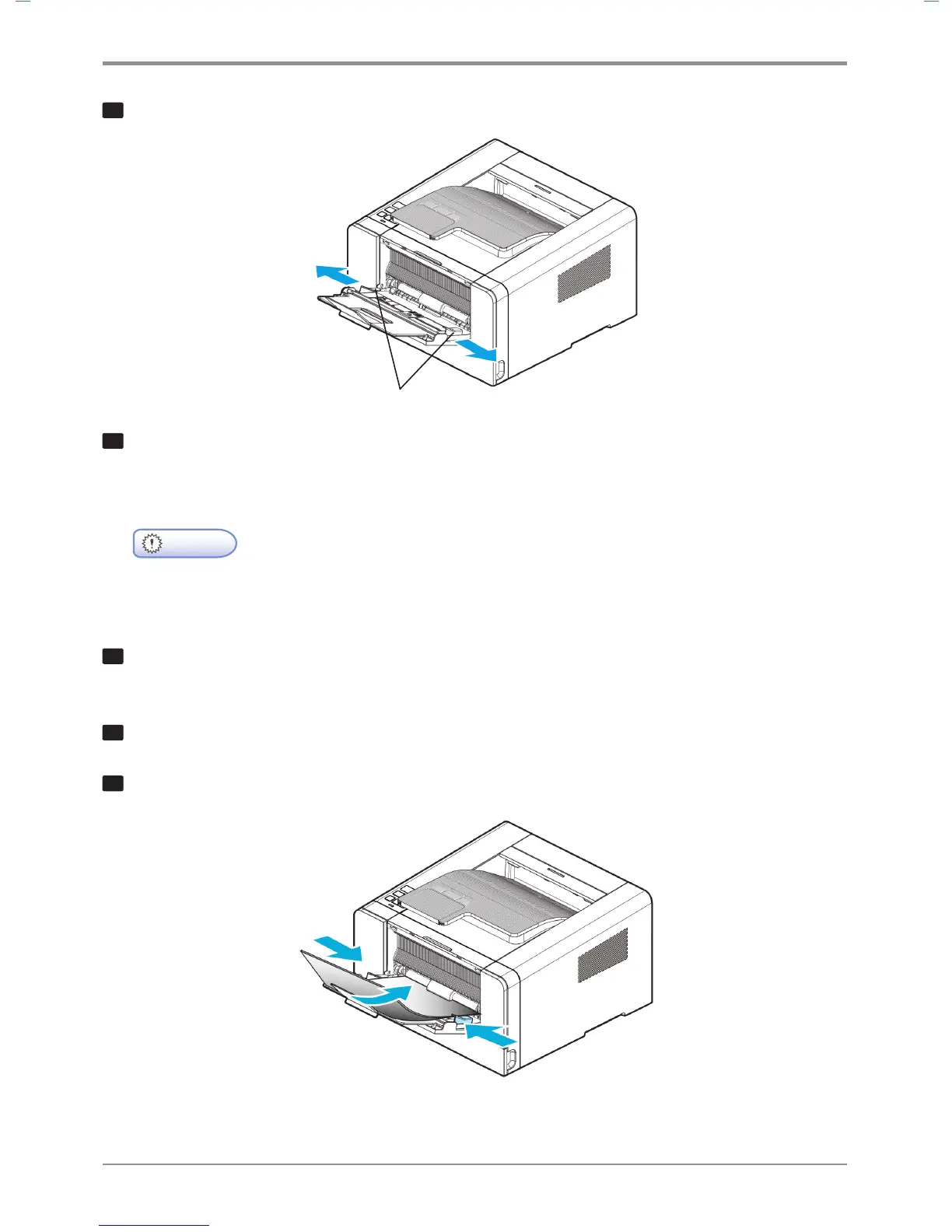
Push out both width guides a little wider than the paper to be loaded.
5
Loosen paper by bending back and forth and blow air between the sheets.
Do not fold or wrinkle paper.
Load paper with its edges flat and correct.
-
Do not overload the multipurpose tray to the point where the paper is tightly placed between
the width tabs. Overloading may cause paper jams.
6
Hold the print side facing up on the multipurpose tray and place paper in the center of the tray.
Do not use crumpled or wrinkled paper.
7
Gently push paper to the front.
8
Gently push the width guides towards the paper.
Width Guide
Important



 To Next Page