Using the Printer
3-3
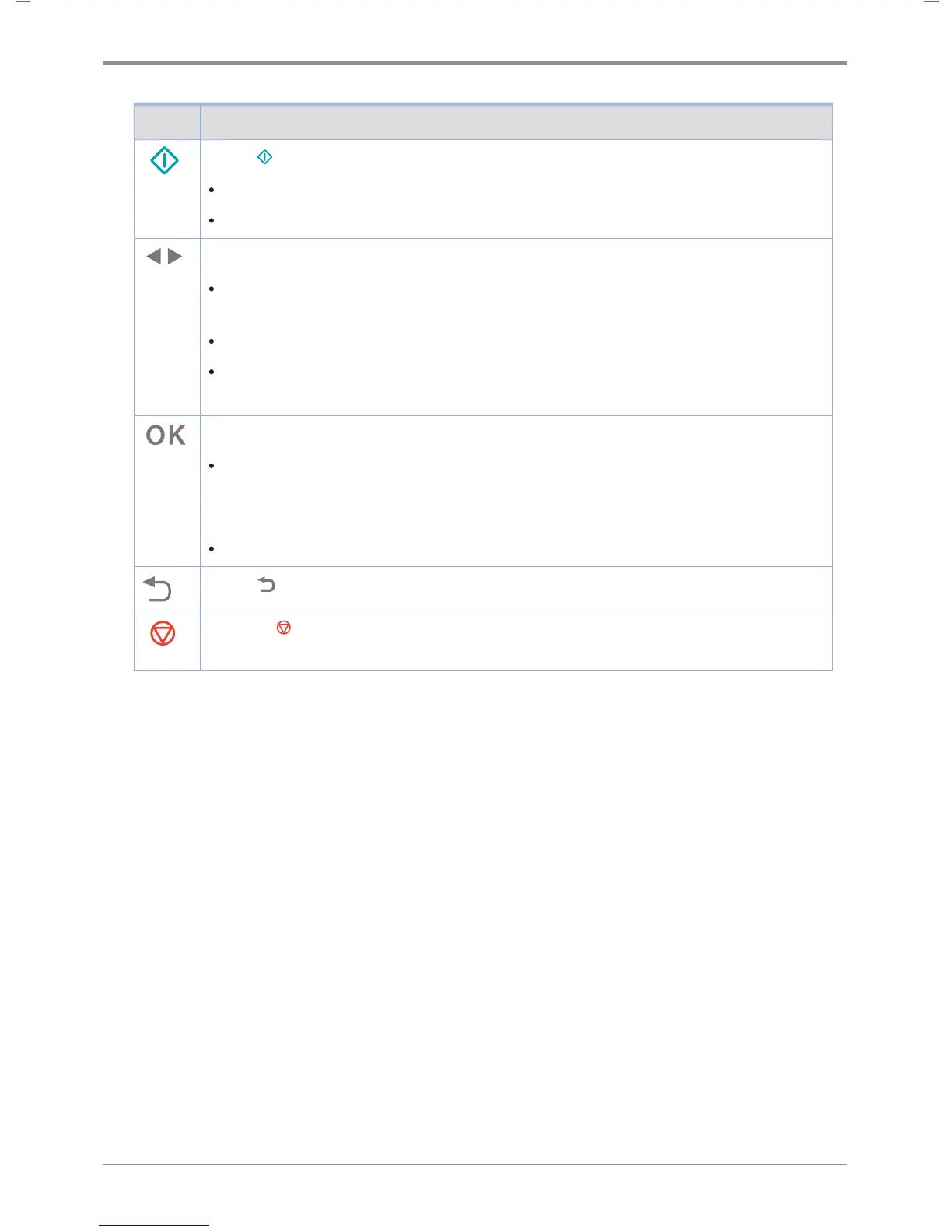
Button Function
Press 【
】 Continue button to
Delete message from the control panel (error message, etc.).
Exit power save mode.
Press 【◀】, 【▶】 buttons to
When [Ready] is displayed, the printer becomes offline and enters the menu.
If the printer is offline, it goes to the menu.
Go to the next or previous item in the menu.
Press the 【◀】 or 【▶】 button to enter the number (ex: number of sheets). Press the button
until the desired number appears.
Click on the 【OK】 button,
The menu selected in the second line in the control panel is displayed.
The menu depends on the type.
- When a menu is selected, its item is displayed.
If a new menu item is saved, the printer shows [Saving], and then returns to the menu item.
Press 【
】 Return button to go to the previous menu or menu item.
Pressing 【
】 Stop button in [Printing] status will display [Canceling... ] in the screen and
the current printing job will be cancelled.



 To Next Page