Using the Printer
3-15
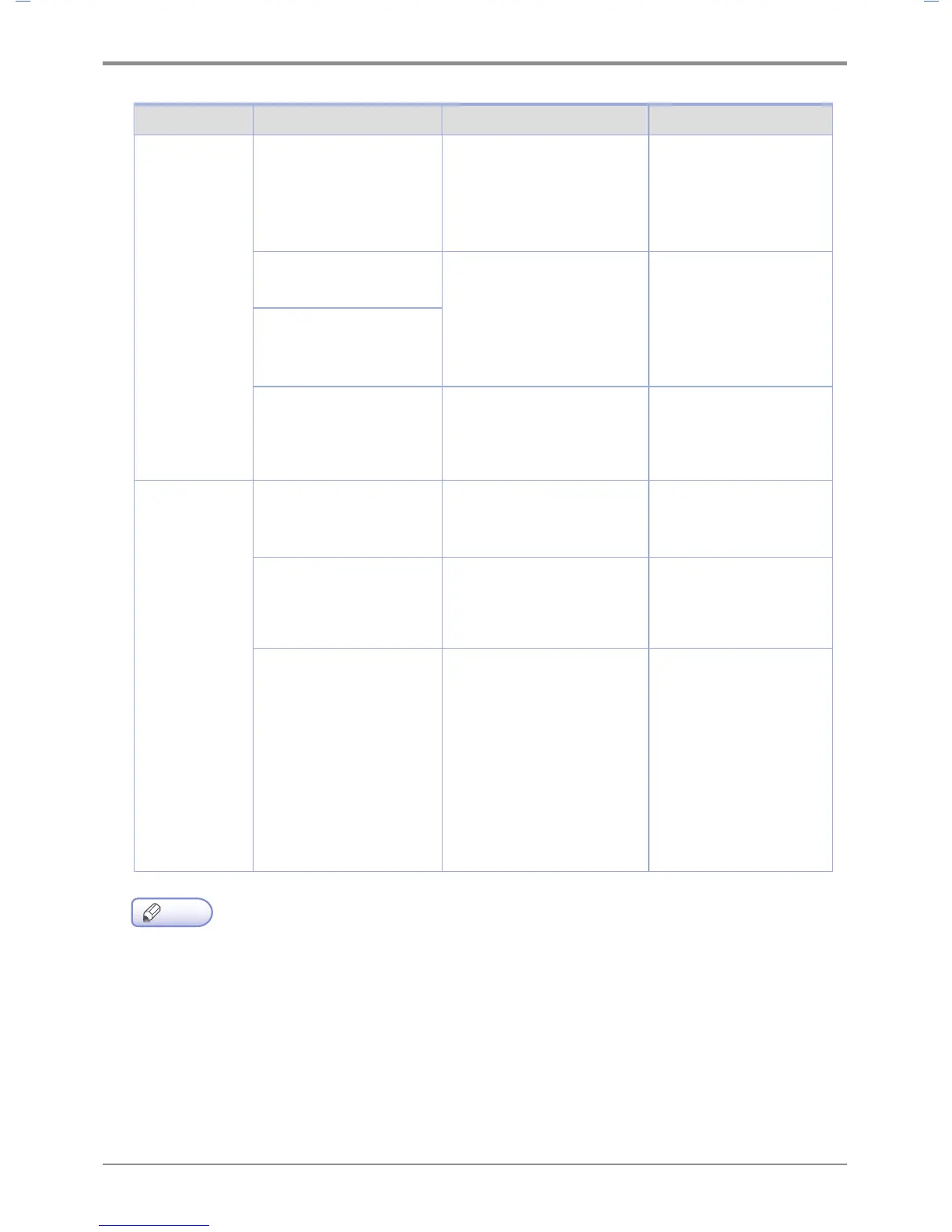
Menu Menu Purpose Value
E-mail transmis-
sion setting
SMTP
server address
Select an email server(SMTP
server) to send e-mails
Please inquire e-mail
serveradministrator or
serveiceprovider for
secure accessmethod to
the SMTP server
SMTP mail address
Enter Account (ID) and
password to log into the
serverfor e-mail tranmission.
E-mail address entered can
beused to receive replies for
sent e-mails
E-mail account (ID) and
Password
SMTP password
SMTP port
Select a port number
to connect with e-mail
transmission server
Please inquire E-mail
serveradministrator or
service providerfor port
numbers
E-mail notifica
-
tionof status
Mail notification option
Decide whether to notify
the current device status to
administrator'se-mail
Y
es or NO
Notification option setting
Select when to send an e-mail
to administrator
No tonerReplace drum
cartridgeDevice repairNo
paperPaper jamEjecting
tray is full.
Administrator e-mail
address
Notify the current device
statusAdministrator's e-mail
address
Email address 1
Email address 2
Email address 3
Email address 4
Email address 5
Email address 6
Email address 7
Email address 8
Email address 9
Email address 10
Note
- Use the "SINDOH Network Printer Setup” program to set the IPv6 address.



 To Next Page