Sinterit LISA X User Manual | 58
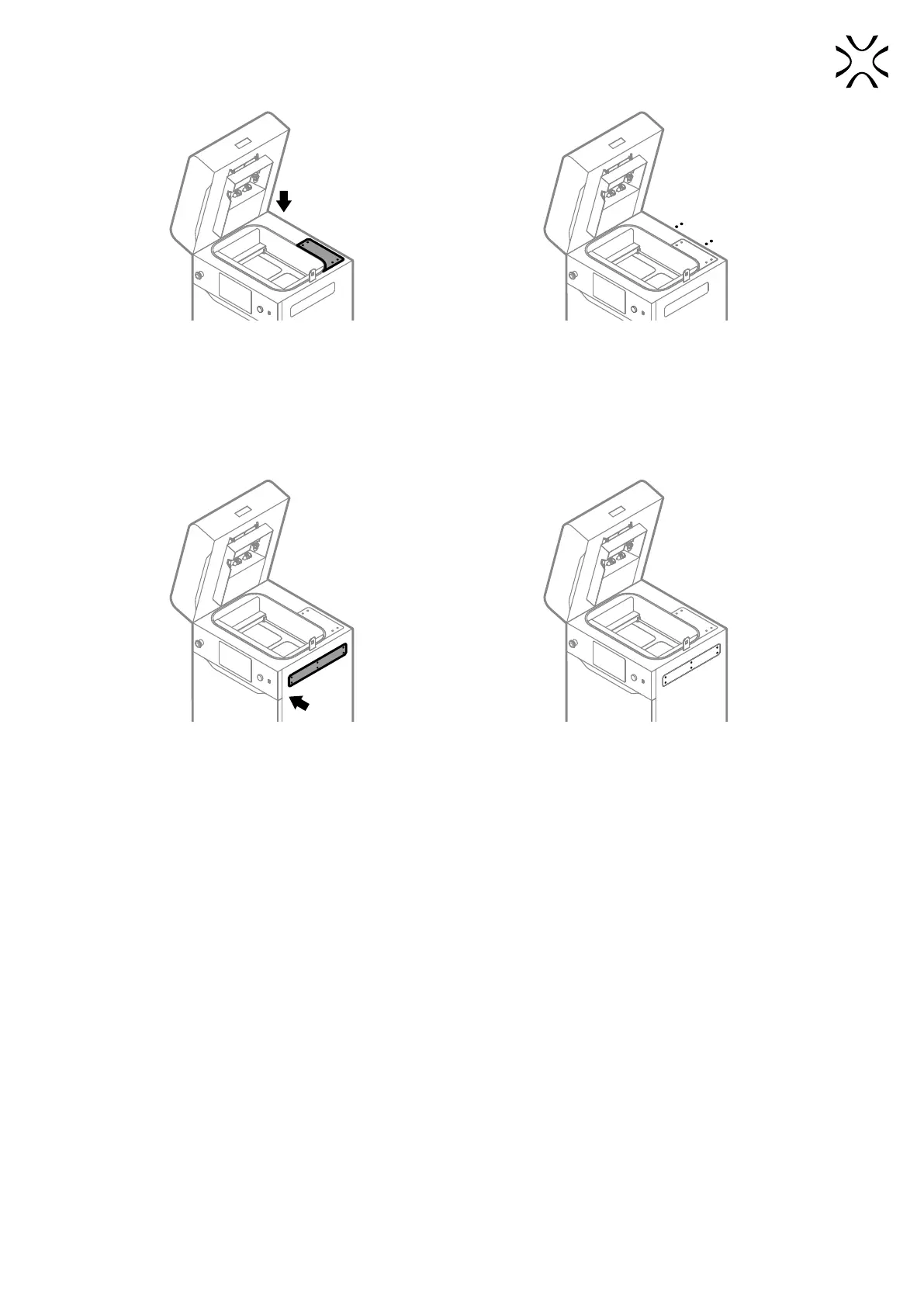
Fig. 12.75 Mount back the access panel Fig. 12.76 Tighten back four screws of the access panel.
16. Mount back the access panel on the right side of the printer (g. 12.77).
17. Using a 2.5 mm allen key, tighten back the six screws securing the access panel on the right side of the printer (g.
12.78).
18. Good job. The maintenance timer will reset to zero.
Fig. 12.77 Mount back the access panel. Fig. 12.78 Tighten back six screws of the access panel.



 To Next Page