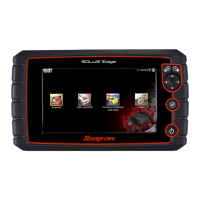
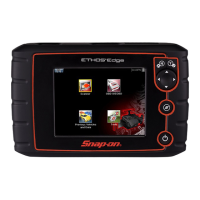
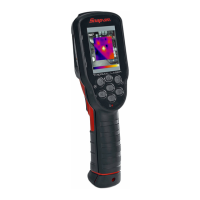
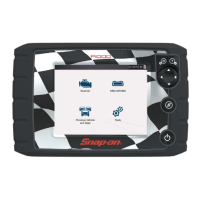
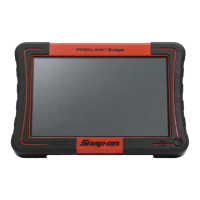
4PRO-LINK
®
Edge Hardware and Software User’s Manual
Chapter 1 • Using this Manual
Warning
WARNING indicates a potentially hazardous situation which, if not avoided, could
result in death or serious injury to the operator or bystanders.
Example:
ä Use appropriate hand protection when handling hot engine components.
Troubleshooting
Information intended to help you to address or anticipate potential issues are pre-
sented in the following manner:
Specialized Text
The following specially formatted text is used to help you to differentiate certain
elements discussed within this manual:
• Emp
hasis: Used to draw your attention to particularly important
information.
• FEATURE: Use
d to highlight the name of a specific feature.
Example: “Use CO
PY to save the report to a USB memory stick.”
• Field/Line
: Used to highlight the name of a field or a line of text from a
display.
Example: “A check mark is placed in the check box next to the Tot
al
Fuel Used parameter.”
• Menu Items: Used to highlight a series of menu selections.
Example: “From the Main Menu select Ve
hicle Scan
HD Scan (Auto
Scan)
HDS J1708.”
• Screen titles: Used to highlight the title of a screen displayed.
Example: “The M
anage Reports screen is displayed.”
If the “No ECMs detected” message is displayed, check to make
sure that the PRO-LINK
®
Edge is connected to the vehicle and the
key is in the on position.


 To Next Page