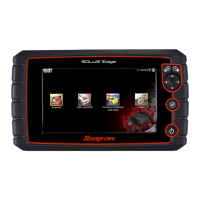
6PRO-LINK
®
Edge Hardware and Software User’s Manual
Chapter 2 • Hardware and User Interface Overview
Component Checklist
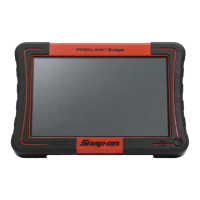
The following components are included with your PRO-LINK
®
Edge Starter Kit. Be
sure you have all the items before using the device:
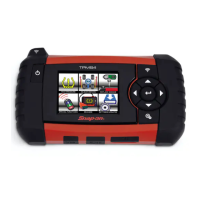
PRO-LINK
®
Edge Scan Tool
10.8 V Li-ion Battery
AC/DC Adapter
Data Cable
6-pin Deutsch Adapter
9-pin Deutsch Adapter (non-locking)
16-pin J1962 Adapter
PRO-LINK
®
Edge HDS Start Kit Software
PRO-LINK
®
Edge Carrying Case
i The HDS Starter Kit Software is registered automatically when you start
using your device. No product key is required. The trifold includes instruc-
tions for registering additional software titles and for registering the PRO-
LINK
®
Edge.
i You don’t need to Register the Installed Applications to start using PRO-
LINK® Edge. You have 10 free trials for each application. During the free
trial period, you have access to both fault code information and vehicle
data.
i For access to Special Tests and Calibrations (or, if you run out of free
trials), please contact your Snap-on franchisee to purchase a Pro
duct
Key for any of the software application suites. Once you have the Product
Key, touch Applications on the PRO-LINK® Edge Main Menu. Then
touch Installed Apps. Touch Register to install the app of your choice.


 To Next Page