Levelogger Series User Guide
Page 40
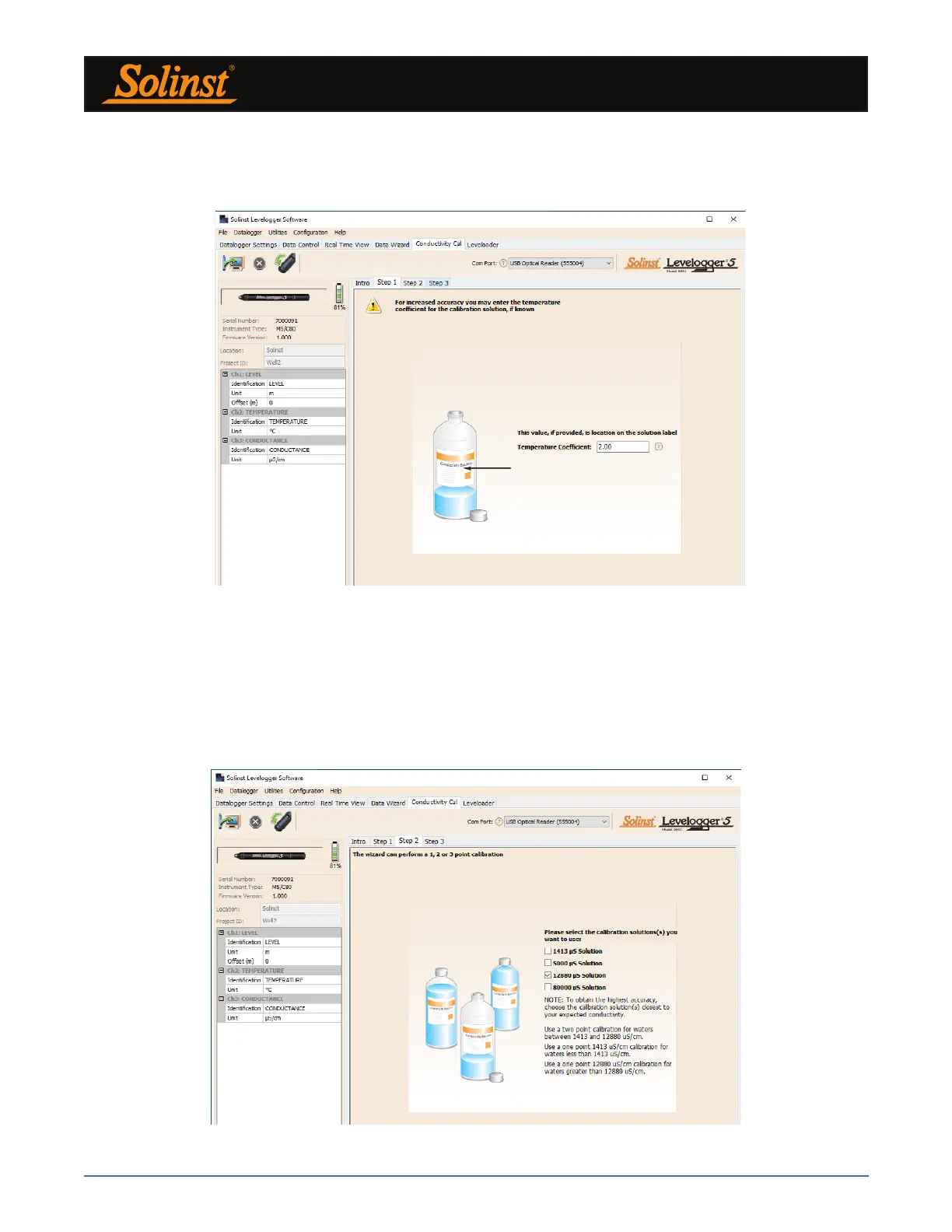
1) Setting the Temperature Coefficient: The default setting for the Temperature Coefficient is 2.00. If the
conductivity solution you are using to calibrate the LTC Levelogger states a different temperature coefficient on
the label, please input that number into the Temperature Coefficient field.
Figure 6-3 Levelogger Conductivity Calibration Wizard Step 1
2) Setup: The Levelogger Software requires the user to select the calibration solutions. You can choose up to
four (three for the LTC Levelogger Junior) solutions for a multipoint calibration of the LTC Levelogger. Ensure
the solutions are ready in the calibration beaker or container. Start the calibration by selecting Next.
Note: To obtain the highest accuracy, choose the calibration solution closest to your expected conductivity. Use a
two point calibration for waters midway between two calibration solutions. Use a one point calibration for waters
less than 1,413 µS/cm and above 80,000 uS/cm (12,880 uS/cm for the LTC Levelogger Junior).
Figure 6-4 Levelogger Conductivity Calibration Wizard Step 2



 To Next Page