Levelogger Series User Guide
Page 62
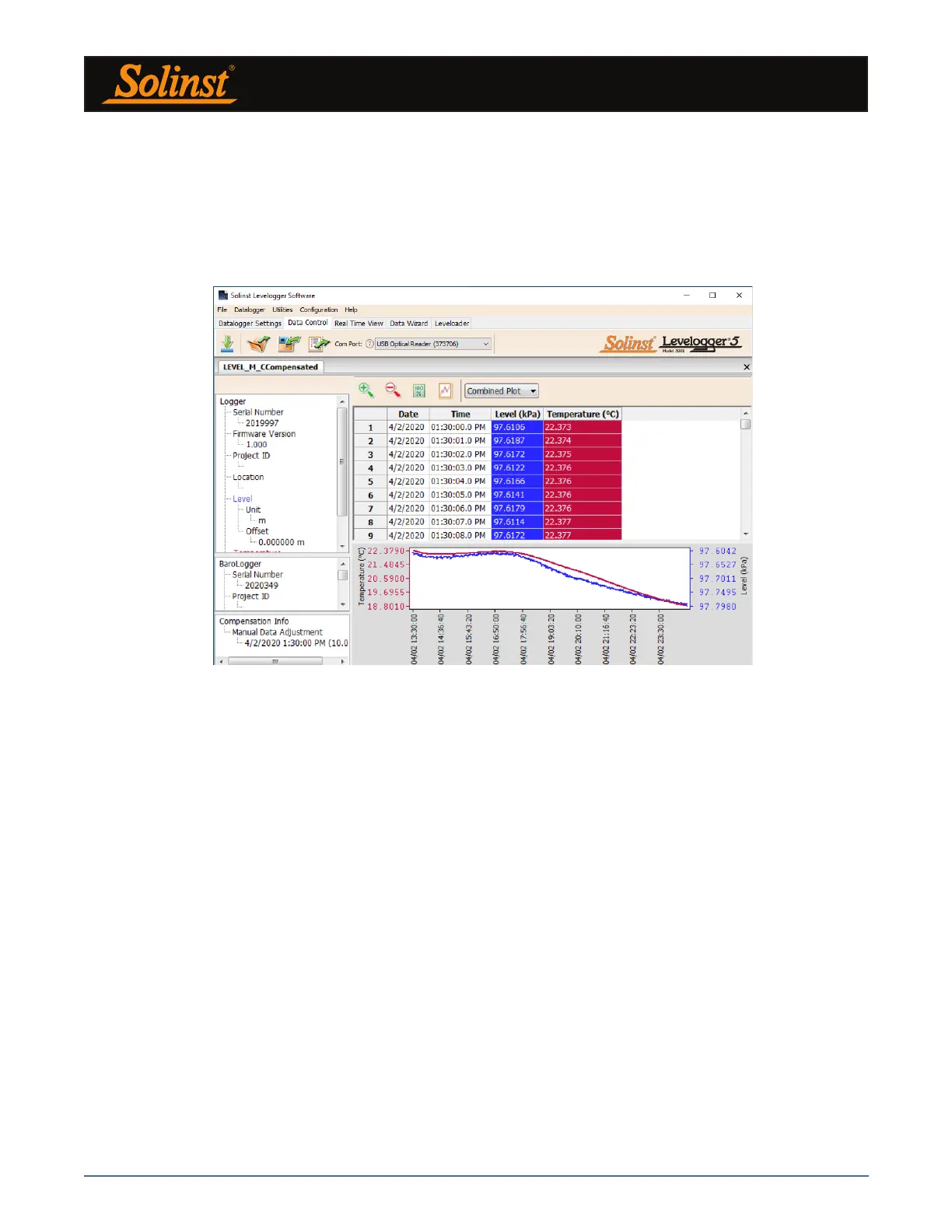
Figure 8-11 Viewing Compensated Files in the Data Control Tab
From the Data Control tab, you can view the data, save the compensated file with a new filename and/or
export the data (see Section 7).
All the original Levelogger settings and the channel information effective during data collection are shown
on the top left of the window. The bottom left sections of the window are used to display the compensation
information. The middle section displays information from the Barologger, and the bottom section includes
information about manual data and parameter adjustments.



 To Next Page