32 Chapter 4: Setup and Operation
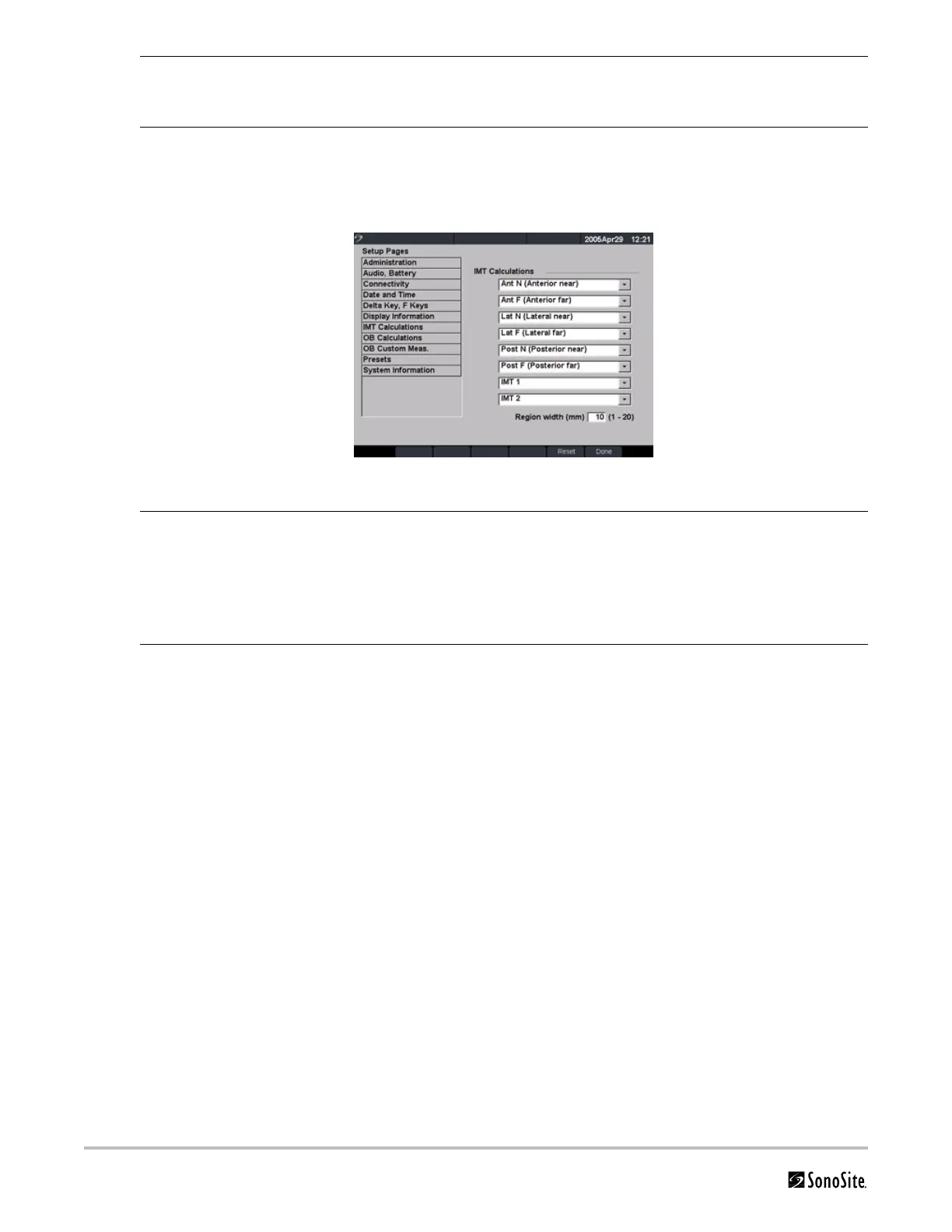
IMT Calculations
Figure 14 Setup Screen: IMT Calculations
System Status 1 Press the Setup key.
2 Select Display Information.
3 Select the desired check boxes to display the system status on the screen.
Reset Select Reset from the on-screen menu to return settings for this setup page to
factory default.
IMT Calculations 1 Press the Setup key.
2 Select IMT Calculations.
3 In the IMT calculations list, select the desired labels.
• Selecting a label places the measurement on the Calculation menu and
within the report.
• Selecting None removes a label.
Reset Select Reset from the on-screen menu to return settings for this setup page to
factory default.



 To Next Page