2 Chapter 1: Introduction
About the System
The ultrasound system has multiple configurations and feature sets. All are described in this service manual but
not every option may apply to your system. System features are dependent on your system configuration,
transducer, and exam type.
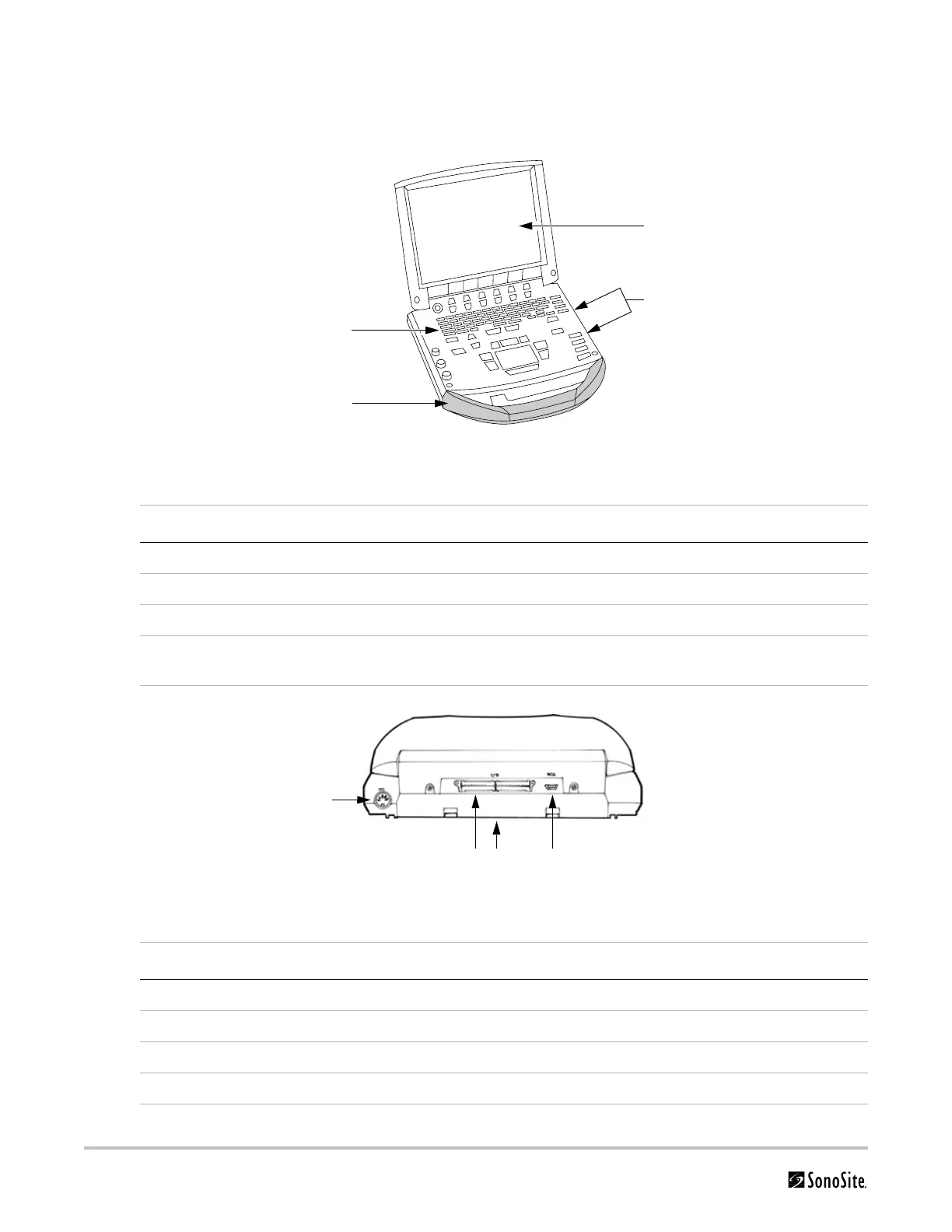
Figure 1.1 MicroMaxx System Front View
Figure 1.2 MicroMaxx System Rear View
Table 1.1: MicroMaxx System Front Features
Number Feature
1 Control panel
2Handle
3Display
4 CompactFlash® slots (front for image storage, back for system and transducers updates,
import/export OB tables, user names/passwords, and DICOM configurations)
Table 1.2: MicroMaxx System Rear Connectors
Number Feature
1 DC input connector
2 I/O connector
3Battery
4ECG connector
4
3
2
1
1
3 42



 To Next Page