Chapter 7: Replacement Procedures 61
Display Replacement
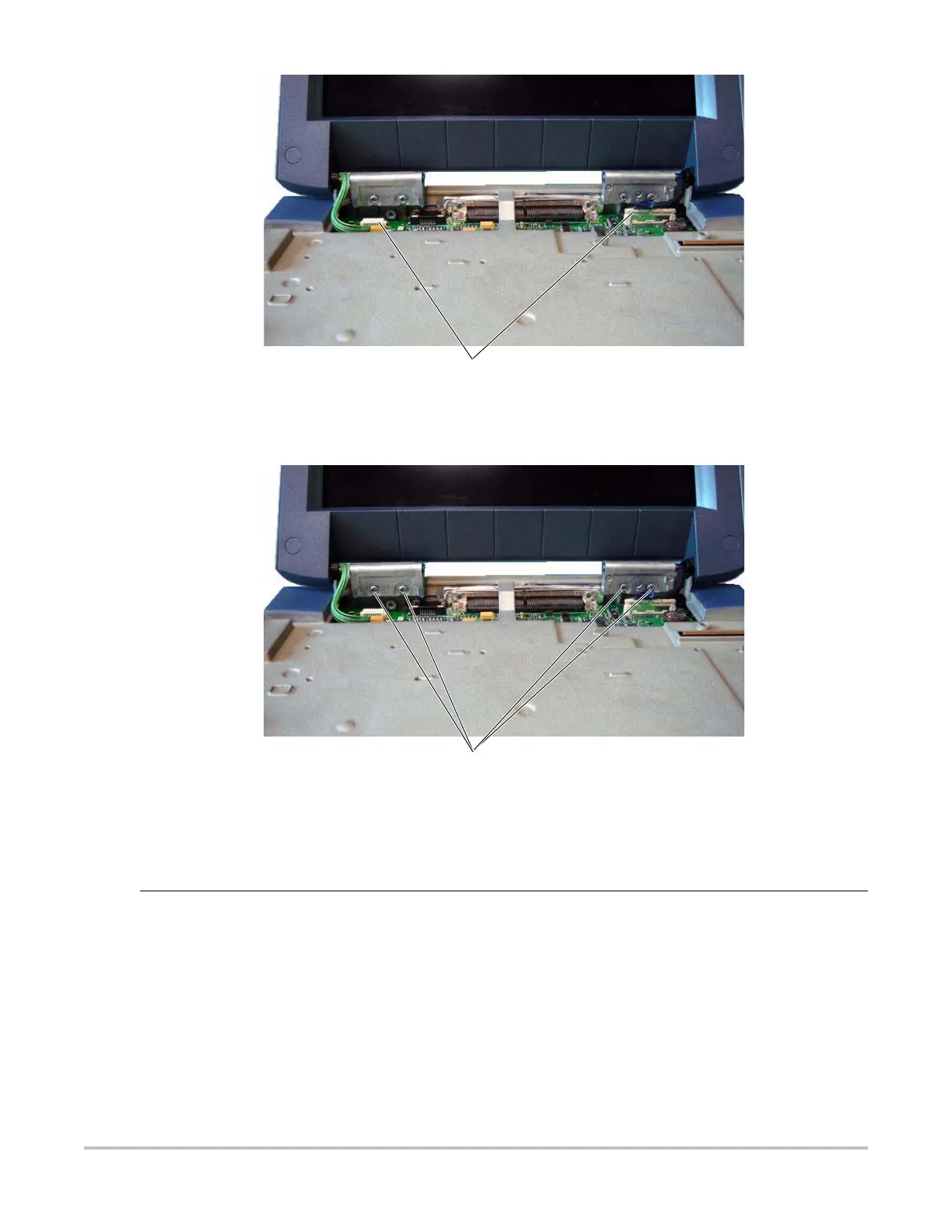
Figure 7.4 Display Connectors
6 Remove the four screws from the Display Hinges per Figure 7.5.
Figure 7.5 Display Screws
Connectors (2)
Screws (4)
Display
Replacement
1 Set the new display in place.
2 Install the four screws that hold the Display in place. Torque the screws to 5.5 inch pounds.
3 Connect the two connectors that connect the Display to the Main PCBA.
4 Place the Control Panel in place.
5 Reinstall the four screws that hold the Control Panel in place. Torque the screws to 5.5 inch
pounds.



 To Next Page